
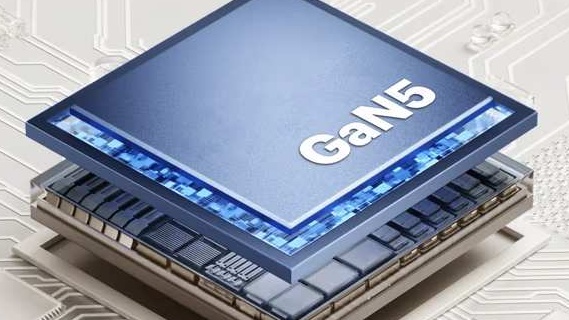
If your GaN adapter isn’t delivering the power it promises, you’re not alone. Many users plug in a 67W charger expecting fast, reliable output, only to experience slow charging, fluctuating speeds, or inconsistent performance. The issue isn’t always the adapter itself. Often, it’s the ecosystem around it.
Whether you’re using a 67W triple GaN5 adapter at your desk or relying on a compact charger for travel, understanding how GaN technology works, and what limits it, can help you unlock its full potential.
Why Your GaN Adapter Isn’t Reaching Full Output
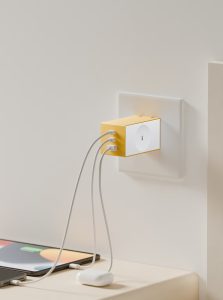
Gallium Nitride (GaN) adapters are designed to deliver higher power in smaller, cooler, and more efficient forms. But even the best GaN adapter can underperform if the setup isn’t optimised.
Common reasons include:
Low-quality or incompatible charging cables
Incorrect wattage distribution across ports
Device power limits being misunderstood
Heat buildup triggering power throttling
Understanding these factors is key, especially when using high-output chargers like a 67W triple GaN5 adapter.
GaN Adapter Power Distribution Explained
One of the most misunderstood aspects of a GaN adapter is how power is shared. A 67W triple GaN5 adapter does not deliver 67W to all ports simultaneously. Instead, the total wattage is intelligently divided based on what’s connected.
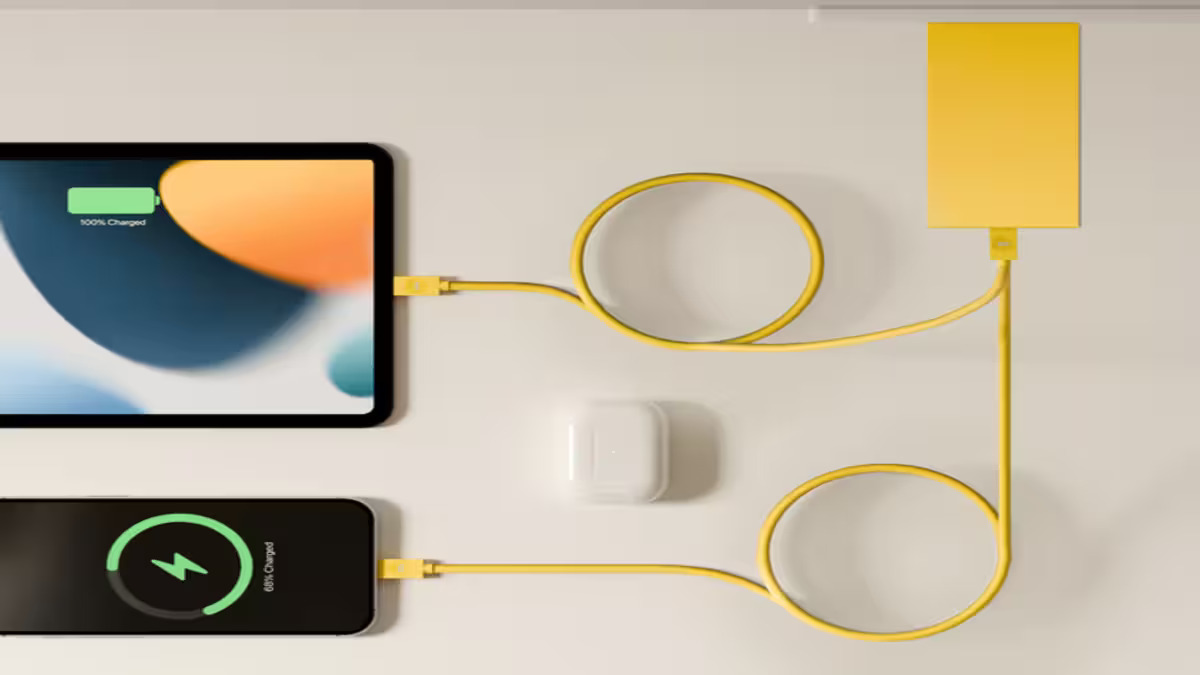
For example, a laptop may draw 45–60W, a phone only 18–20W and accessories like earbuds draw even less. If multiple devices are plugged in, the adapter reallocates power dynamically. This is normal behaviour, but it often feels like “lost power” if users expect maximum output on every port.
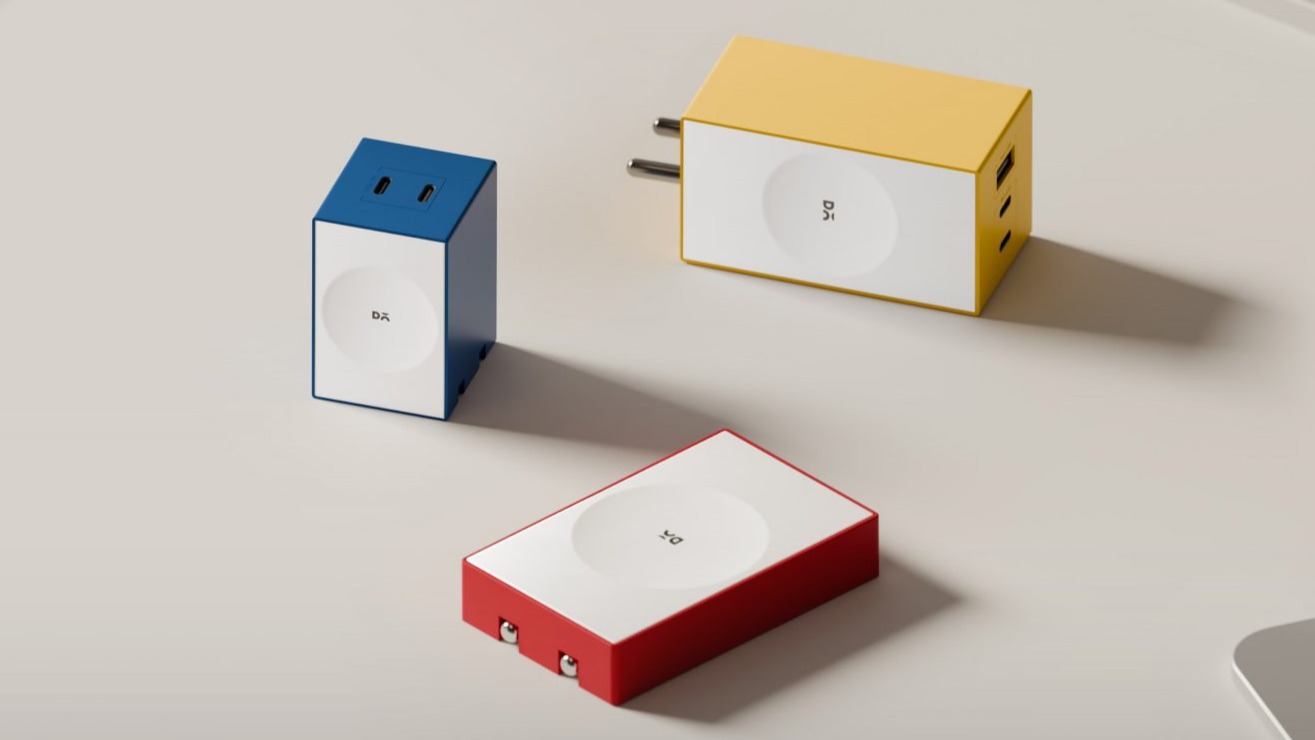
Twin Port GaN5 Adapter vs Triple Port Charging

Choosing between a twin port GaN5 adapter charging cable setup and a triple-port adapter matters.
A twin port GaN5 adapter is ideal when:
You charge two high-demand devices
You want consistent wattage without redistribution
A 67W triple GaN5 adapter, on the other hand, offers flexibility but requires smarter pairing, especially if you’re charging laptops, tablets, and phones together.
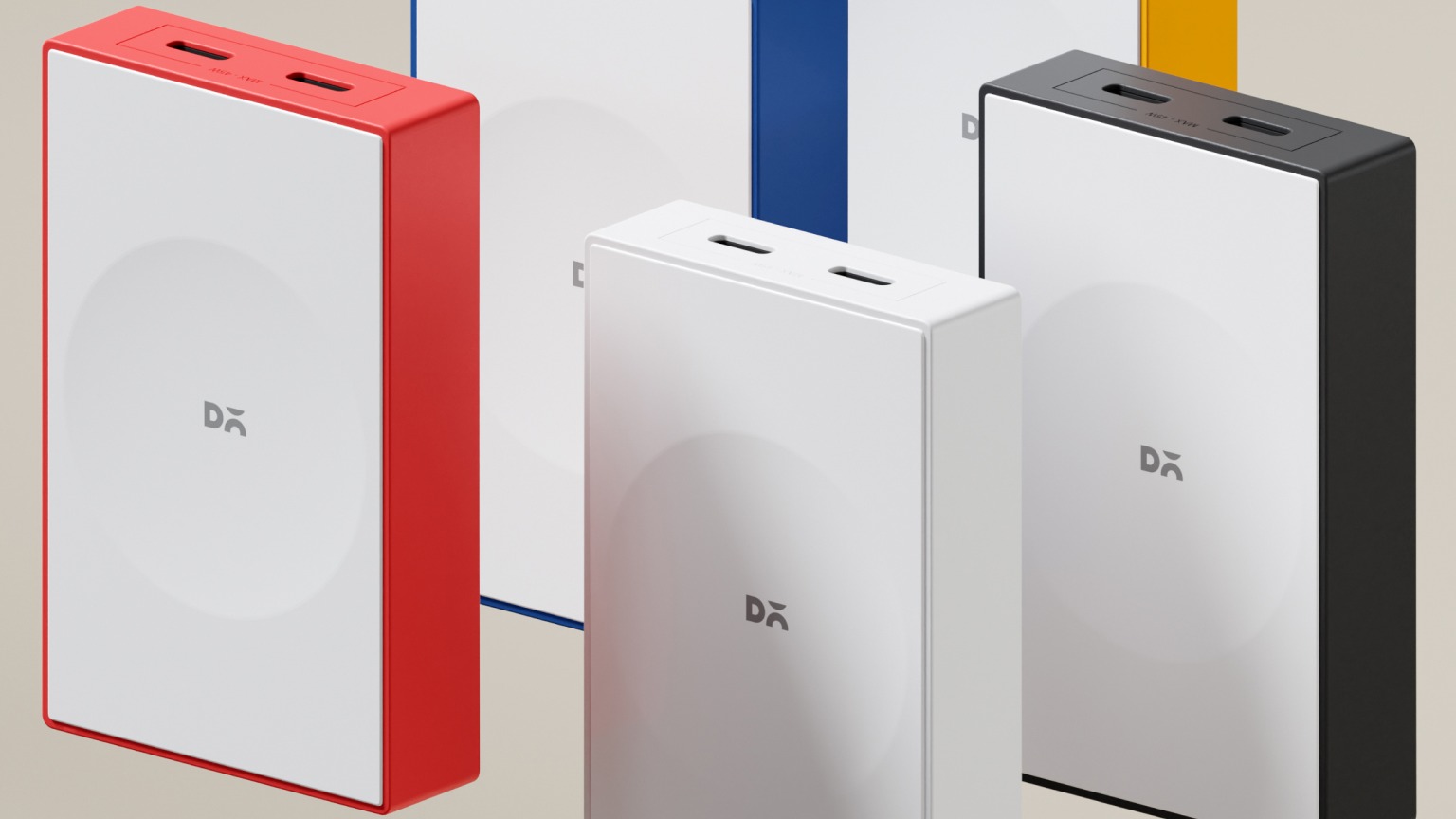
DailyObjects’ GaN5 adapters are designed to manage this balance efficiently, but correct use is essential.
Charging Cable Quality Can Limit GaN Adapter Output

Even the most powerful GaN adapter cannot outperform a poor cable.
Low-quality or outdated cables:
Cap charging at 30W or less
Cause voltage drops
Trigger adapter heat regulation
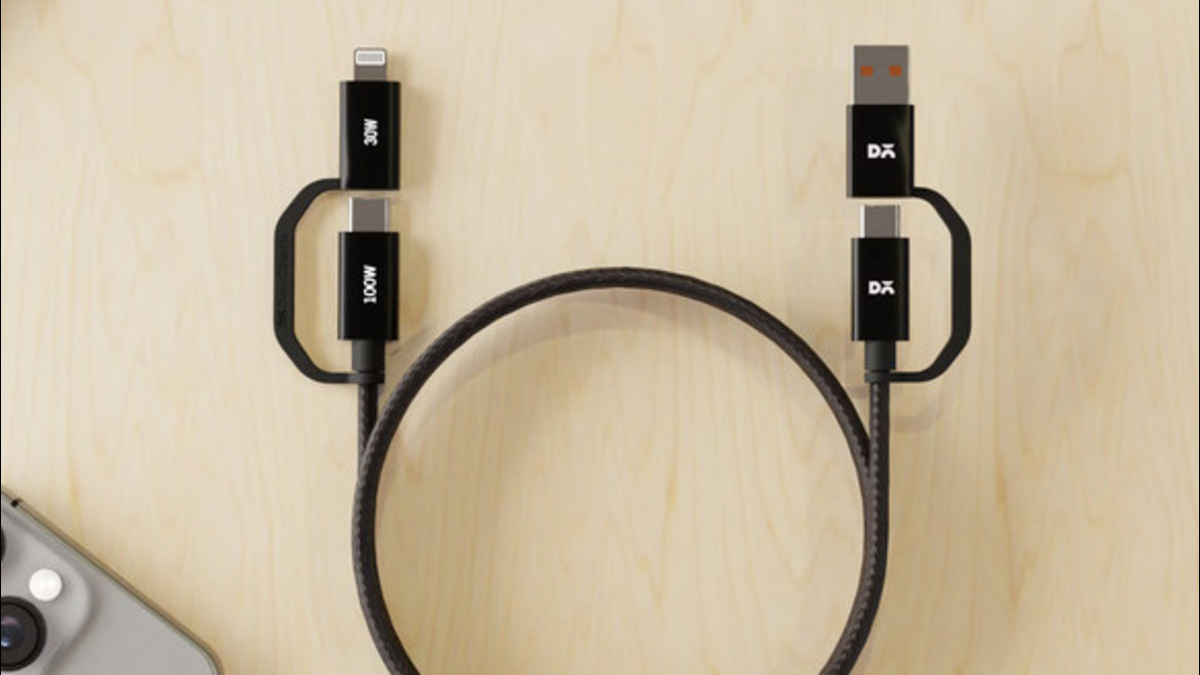
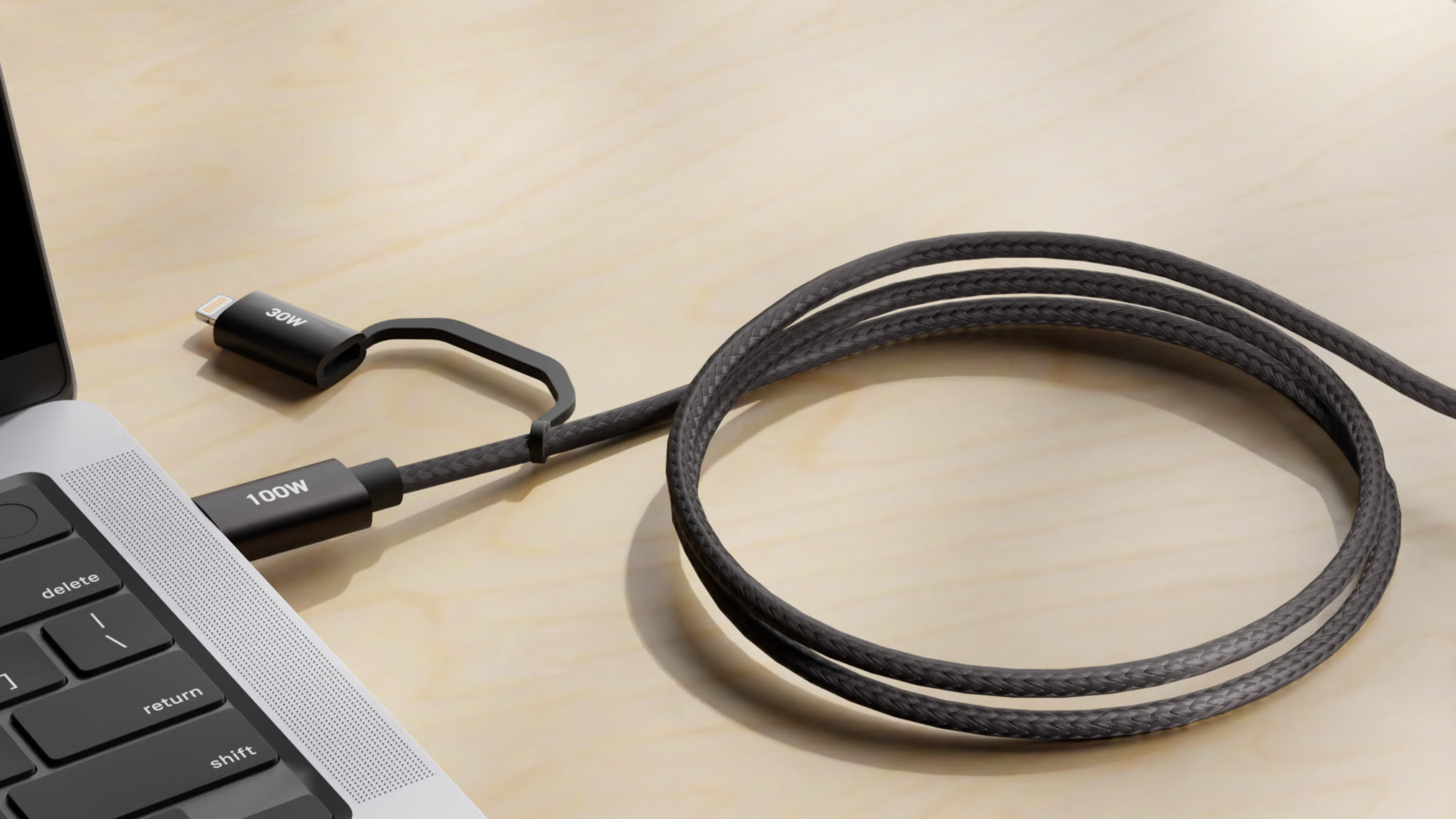
For a power pack 67W or 67W triple GaN5 adapter, always use USB-C cables rated for 60W–100W power delivery.
DailyObjects Recommendation:
High-speed braided USB-C to C charging cables designed for stable, high-watt output ensure your adapter performs as intended.
Heat and Environment Affect GaN Adapter Performance
GaN technology runs cooler than traditional silicon but it still responds to heat.
If your GaN adapter:
Feels unusually warm, Is used in poorly ventilated spaces or Is plugged into unstable power sources, it may automatically reduce output to protect itself.
Using a stable desk setup, surge-protected power strips, and proper airflow ensures consistent performance, especially for high-capacity adapters like the power pack 67W.
Matching the Right Device With a 67W GaN Adapter

Not every device can accept full 67W input.
Typical power limits for devices are:
Smartphones: 18W–30W
Tablets: 30W–45W
Laptops: 45W–65W
If your device caps input at 30W, a 67W triple GaN5 adapter will still work but it won’t charge faster than the device allows. This isn’t a fault; it’s correct power negotiation.
How to Fix GaN Adapter Power Issues Instantly
To get the best from your GaN adapter:
- Use certified high-watt USB-C cables
- Avoid mixing too many high-demand devices
- Keep the adapter cool and well-ventilated
- Understand port-wise wattage allocation
- Choose the right DailyObjects GaN5 adapter for your usage
With the right setup, GaN technology delivers exactly what it promises, that is fast, safe, and efficient charging.
Unlock the True Potential of Your GaN Adapter
A GaN adapter is only as smart as the ecosystem around it. When paired with quality cables, the right port configuration, and a stable power environment, adapters like the 67W triple GaN5 adapter and power pack 67W deliver consistent, reliable performance.
If your charger isn’t meeting expectations, the solution is not replacement, it’s optimisation. With DailyObjects’ thoughtfully designed GaN5 accessories, smarter charging is just a setup away.




































































































0