
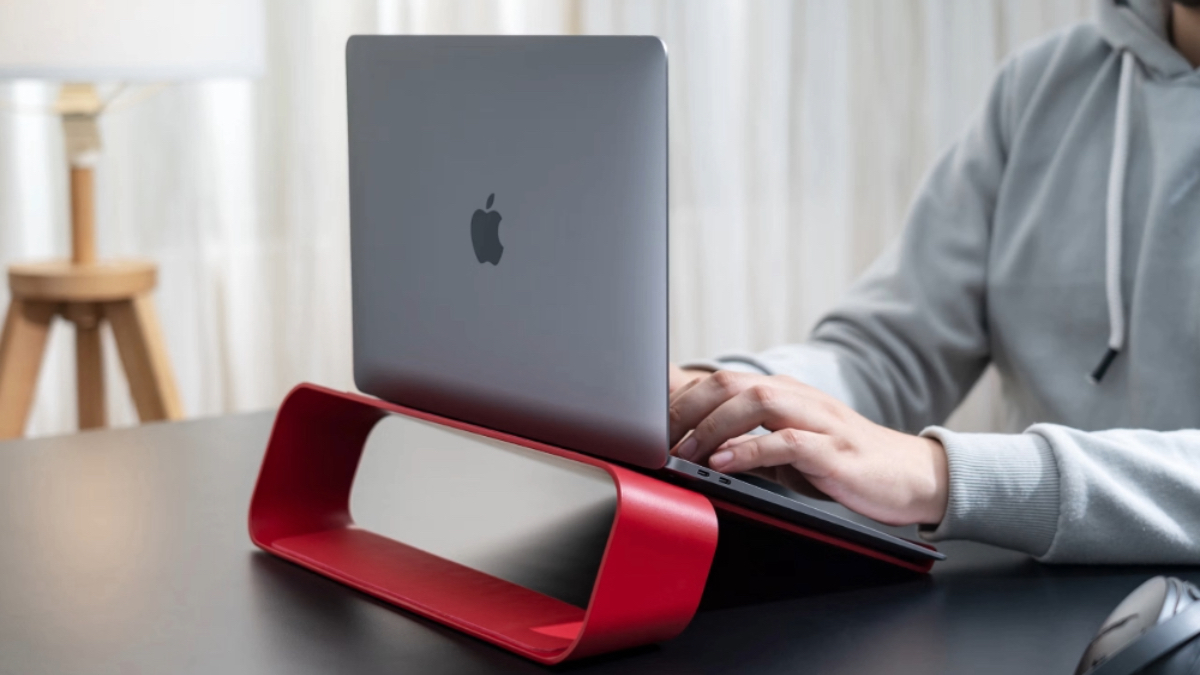
Why Elevating Your Laptop Makes a Real Difference to Heat and Performance
If you’ve ever felt your laptop slow down, heat up, or sound like it’s about to take off mid-workday, you’ve probably wondered: does laptop stand prevent overheating, or is it just another desk accessory?
As workdays get longer and laptops get thinner, heat management has quietly become one of the biggest performance issues we ignore. The truth is, most laptops don’t overheat because they’re underpowered, they overheat because they’re placed flat, trapping heat with nowhere to escape. Elevation changes that equation in a surprisingly meaningful way.
Why Laptop Heat Builds Up During Everyday Work Sessions
Modern laptops are designed to move air from the bottom and release heat through side or rear vents. When placed flat on a desk, or worse, on soft surfaces, that airflow is restricted. Heat builds up, fans overwork, and performance takes a hit.
This is why the question “does laptop stand prevent overheating” comes up so often. It’s not about cooling hardware; it’s about creating space for your laptop to breathe. Even a few centimetres of lift can dramatically reduce heat retention during long hours of work, calls, or creative tasks.
Does Laptop Stand Prevent Overheating or Just Reduce Heat?
A laptop stand doesn’t actively cool your device. What it does is far more practical: it prevents heat from getting trapped.
So yes, does laptop stand prevent overheating? In real-world usage, it often does by allowing your laptop’s internal cooling system to function the way it was meant to. When airflow improves, laptops maintain stable temperatures longer, avoid sudden slowdowns, and operate more quietly.
Laptop Stand Airflow Improvement and Why It Matters
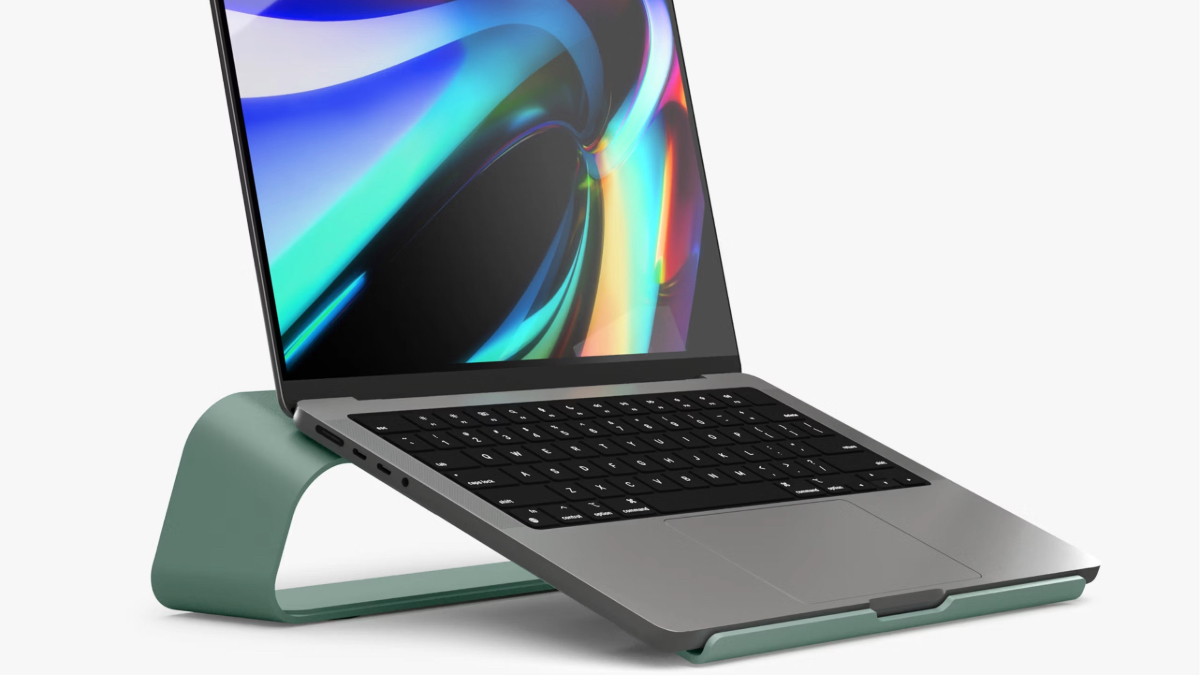
The biggest benefit of elevation is laptop stand airflow improvement. When a laptop is lifted, cool air can flow freely underneath while hot air exits without resistance. This passive cooling effect:
- Reduces surface temperature
- Prevents performance throttling
- Minimises long-term internal wear
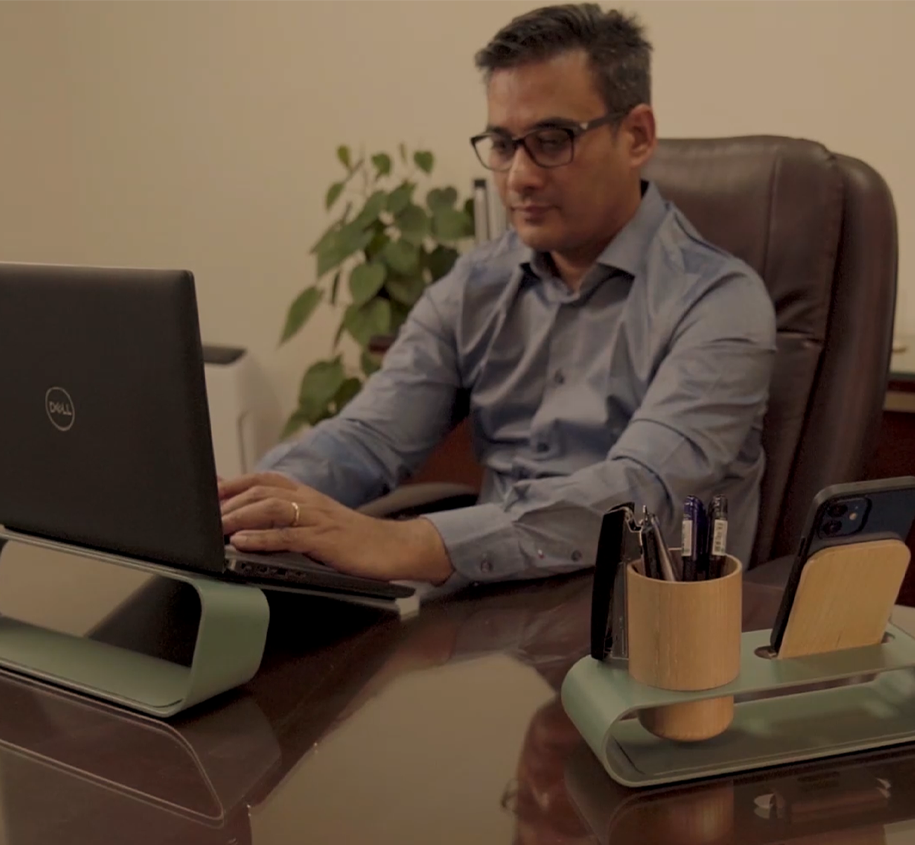
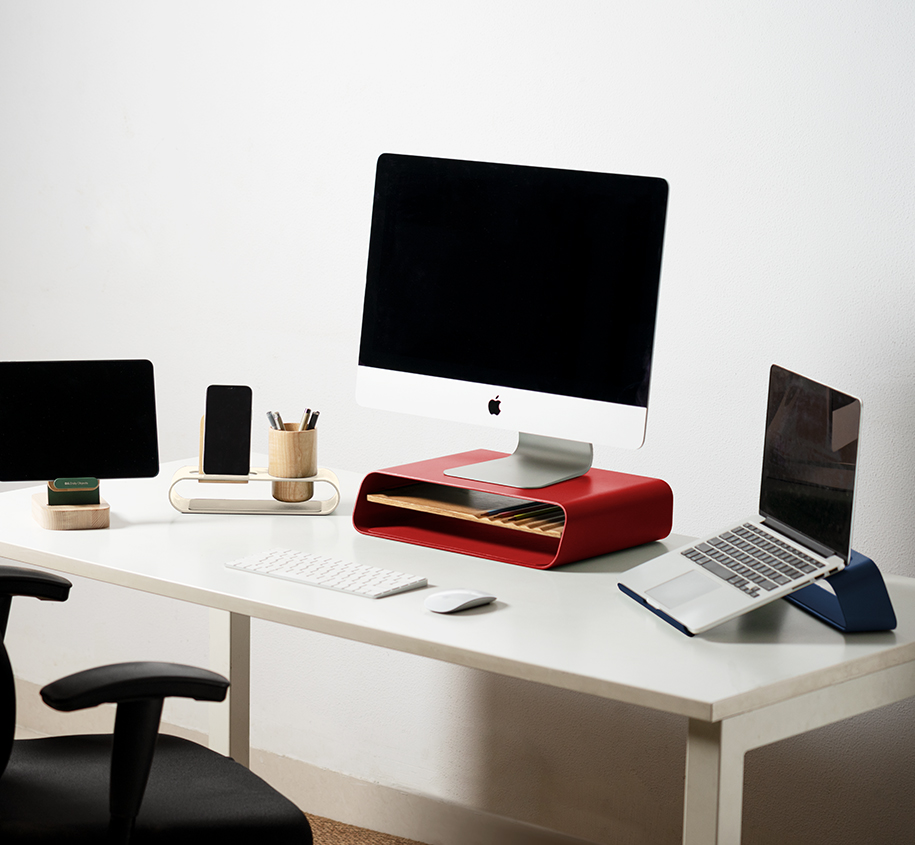
DailyObjects laptop stands are designed with this airflow-first approach and are clean, open structures that support ventilation without adding bulk or noise.
Elevated Laptop Cooling Tips for Daily Work Setups

Using a stand alone isn’t enough. How you use it matters. Here are a few elevated laptop cooling tips that actually work:
- Choose a stand that keeps vents unobstructed
- Maintain a slight tilt for better air circulation
- Avoid placing laptops on fabric or cushions
- Clean vents regularly to prevent dust buildup
These habits, combined with elevation, can significantly extend your laptop’s usable life.
Overheating Laptop Stand India: Why Climate Changes Everything
Searches for “overheating laptop stand India” aren’t accidental. Warmer ambient temperatures, compact homes, and extended screen time make laptops more vulnerable to heat stress here.
Elevation helps laptops adapt to these conditions naturally, without external fans or power-hungry accessories. It’s one of the simplest upgrades you can make for Indian work environments.
How Elevation Improves Performance and Comfort Together
Better cooling doesn’t just protect hardware, it improves how your laptop feels to use. With stable temperatures, multitasking becomes smoother, fan noise reduces noticeably and battery health lasts longer
And there’s an added benefit: improved posture. DailyObjects stands are designed to raise screens to eye level, reducing neck strain while quietly supporting performance.
So, does laptop stand prevent overheating? Not by force, but by design.
By improving airflow, reducing heat buildup, and supporting better posture, elevation offers one of the most effective ways to protect both your laptop and your workday. Sometimes, the smartest upgrades aren’t louder or more complex, they’re simply better thought through.






































































































































0