
You wake up scrambling to switch off your alarm, but your phone has disappeared somewhere between the pillow and sheets. And if the alarm doesn’t wake you up, the frantic search definitely will.
I’d love to say this was a one-time thing. It wasn’t. For a long time, my bedside looked like a crime scene. Phone charging on the floor because the cable wouldn’t reach, lights left on because the switchboard was across the room and getting up felt like a commitment, Apple Watch was dead by morning because it had slipped off the pad in the night.
I wasn’t looking to change any of it. It was just how things were. Until it wasn’t.
When I started testing out Node, I could tell that Qi2.2, the next generation of wireless charging, wasn’t just a buzzword, but a genuine step forward in making life simpler. Node takes it further by reimagining how we charge altogether. Here’s how it changed my every day.
When I am at rest

Picking up from where I left off, bedside has been one of the most overlooked places in a home. Even though it’s the last thing you see before calling it a day and the first thing you reach for when you clock in a new one, it quietly turned into a shrine of older technology, and for me, older habits.
Node slowly turned over the page.
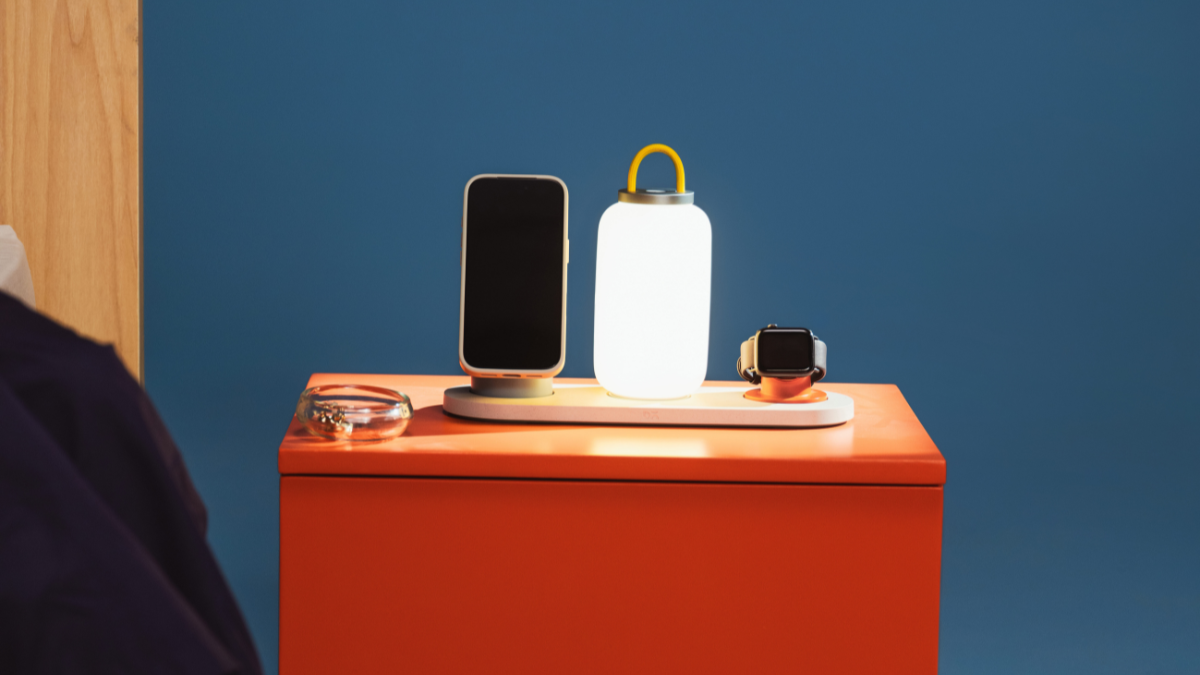
The Portable Lamp meant I stopped worrying about keeping the lights on to read or unwind before I sleep. And my perpetual fear of bumping into things called it a day too, thanks to the three dimming modes actually mapping to how I moved through my evenings. The highest setting for reading, the middle one for going about the room, the lowest for quieter moments before sleep. Before this, even after switching off the lights, I’d constantly rely on my phone for stimuli and to navigate through the dark.
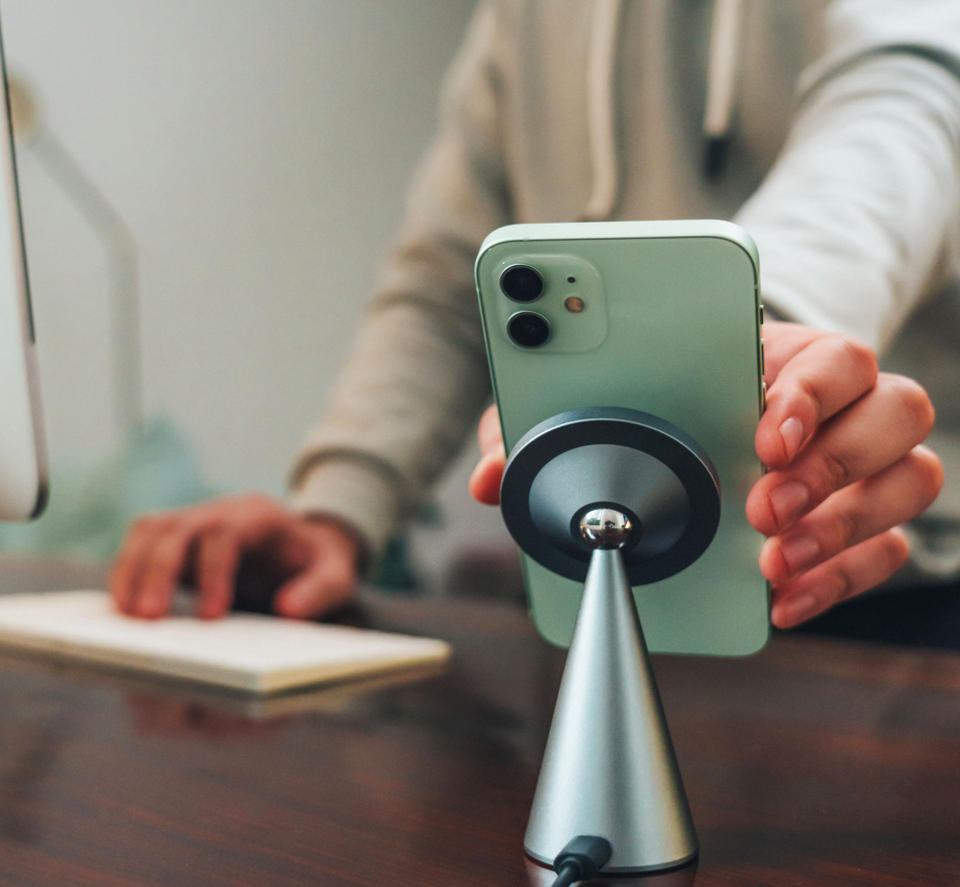
The lamp absolved my phone of its random duties. And its fellow module, the Wireless Charging Phone Stand, stepped in to change how I was charging it.
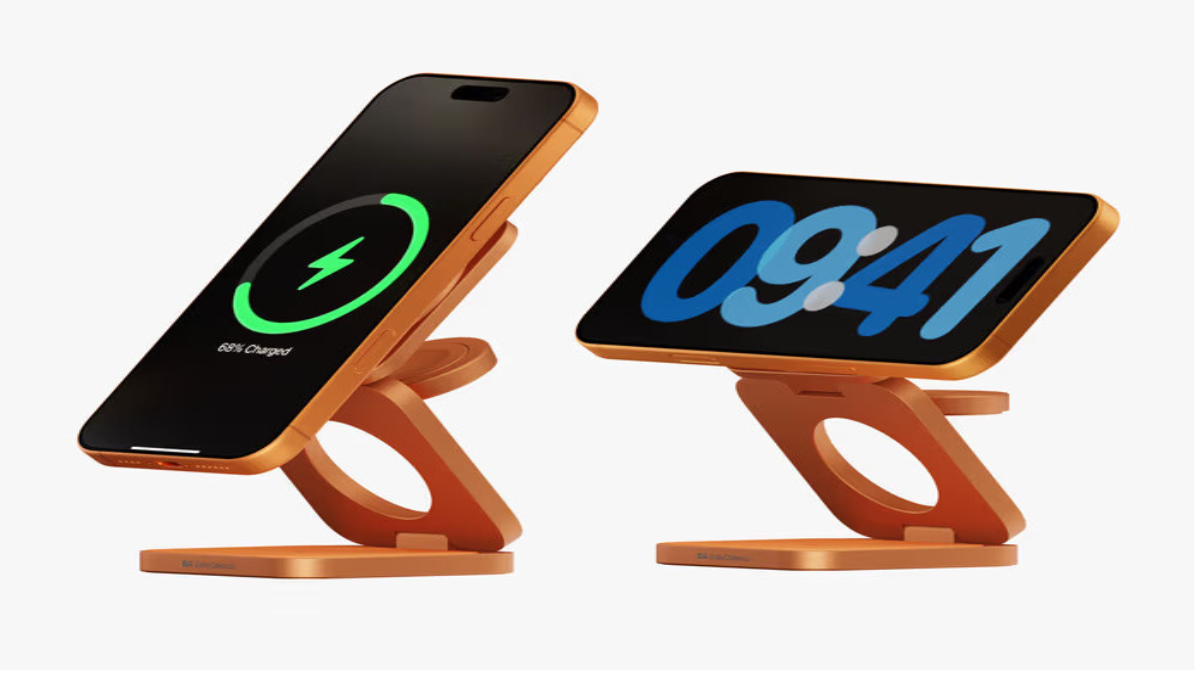
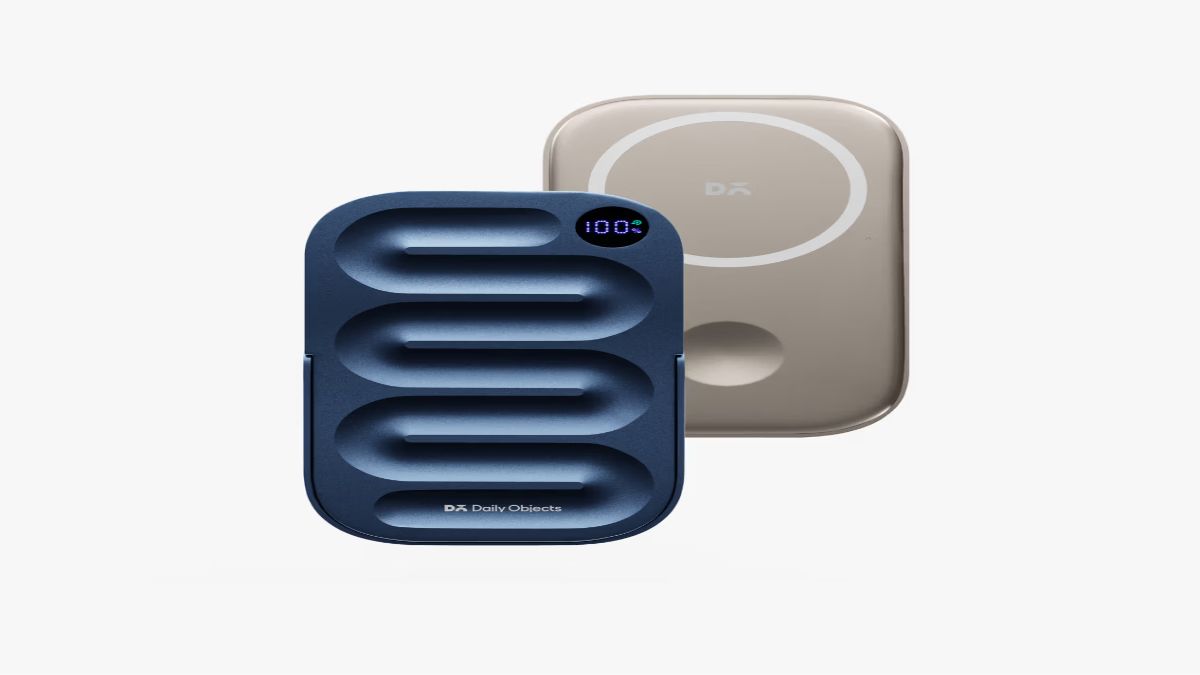
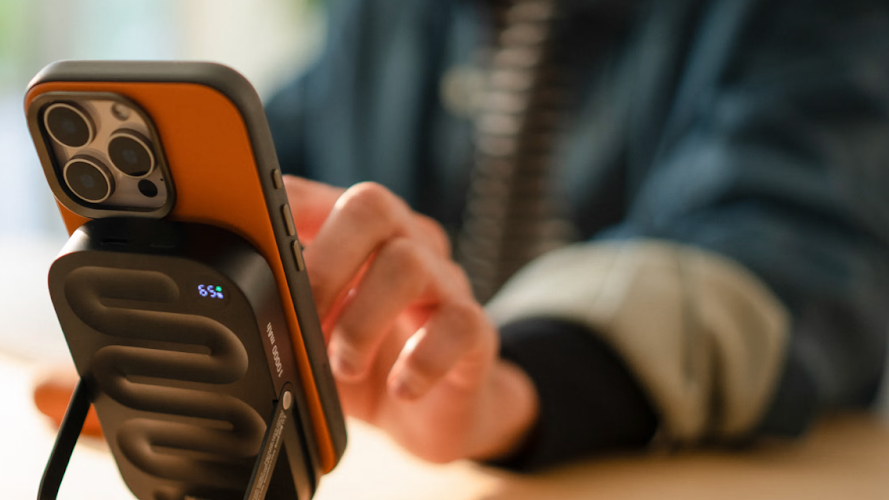
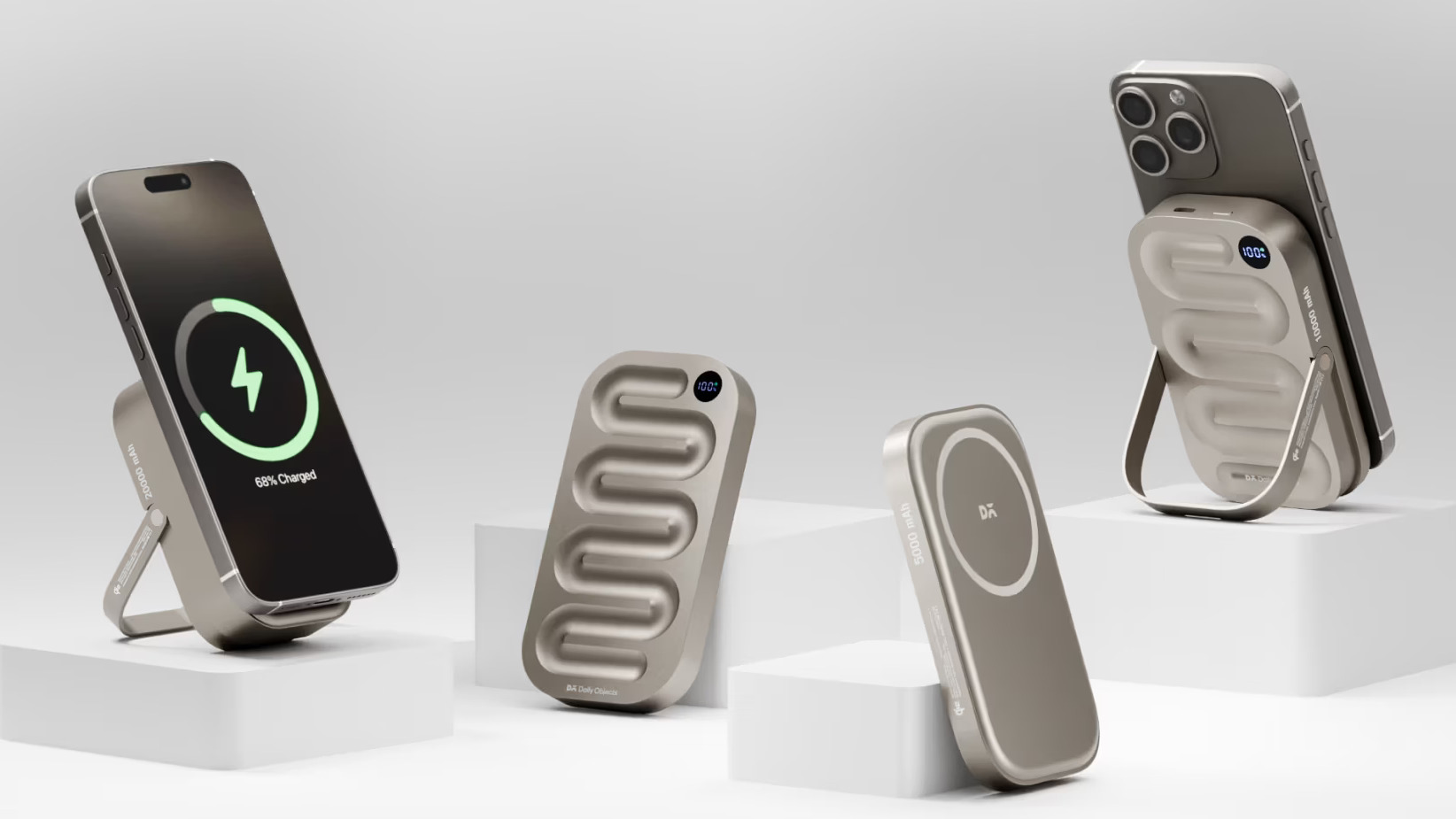
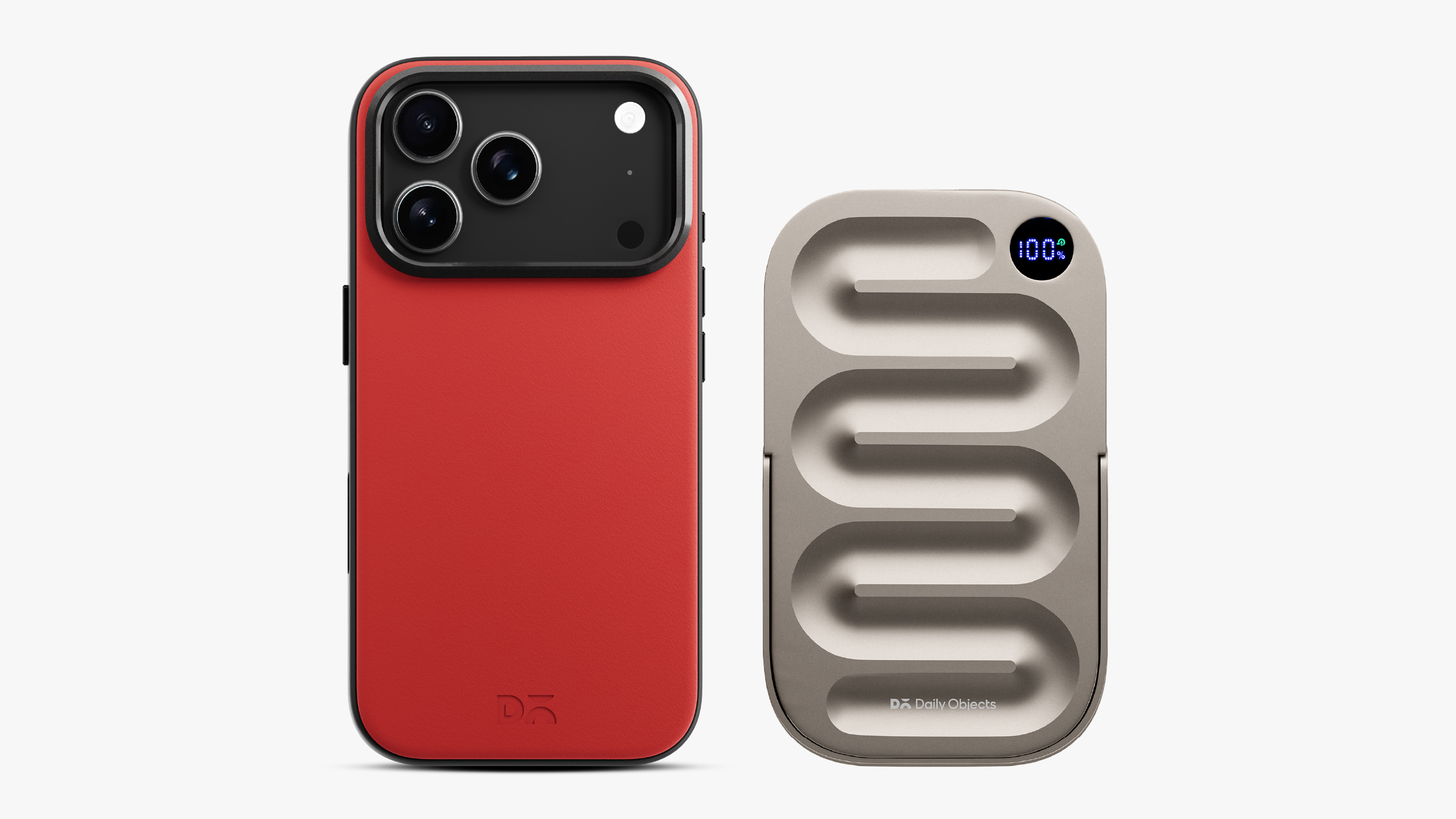
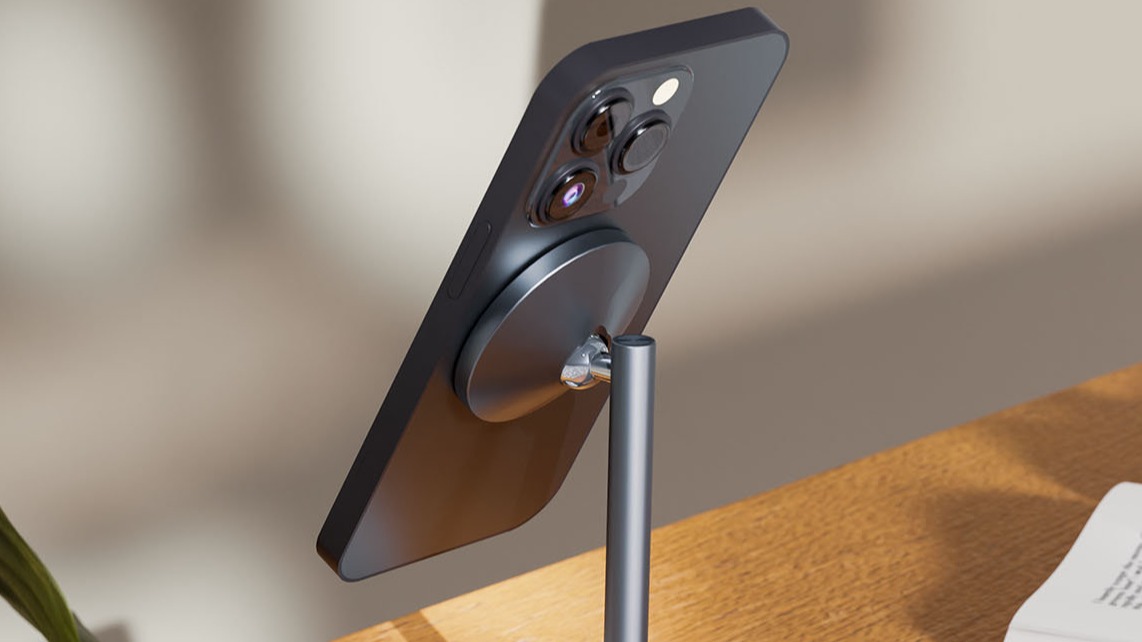
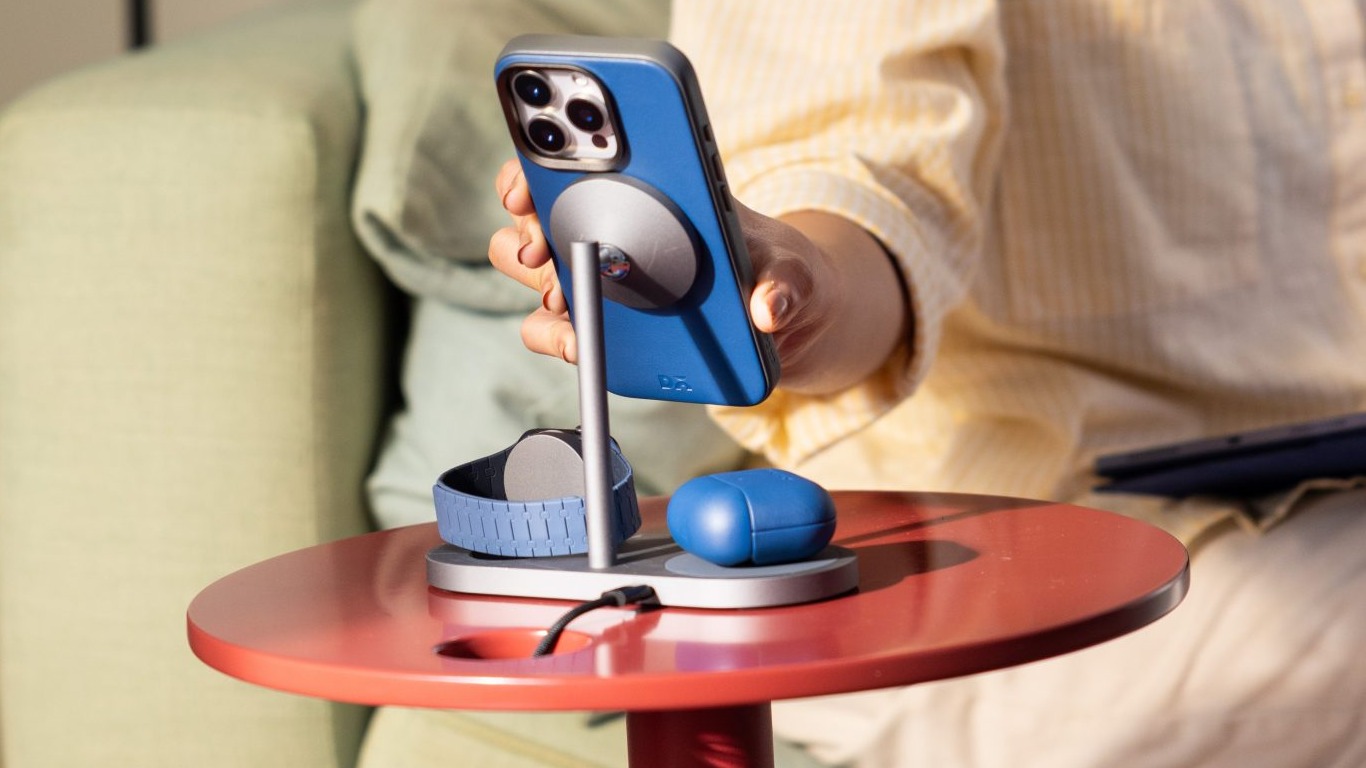
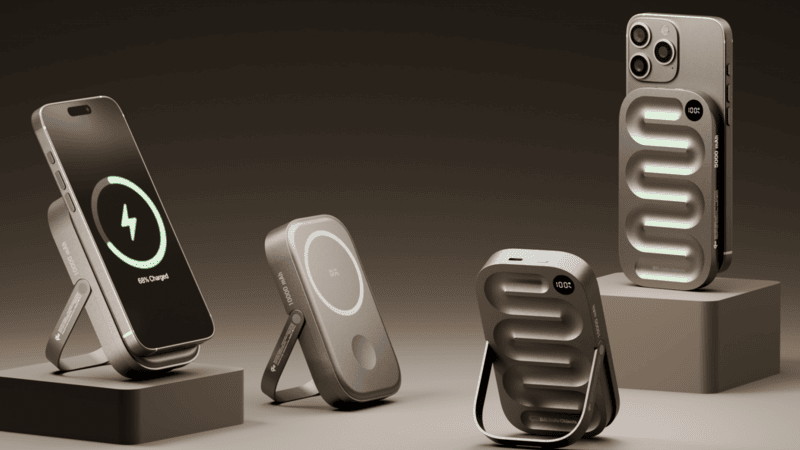
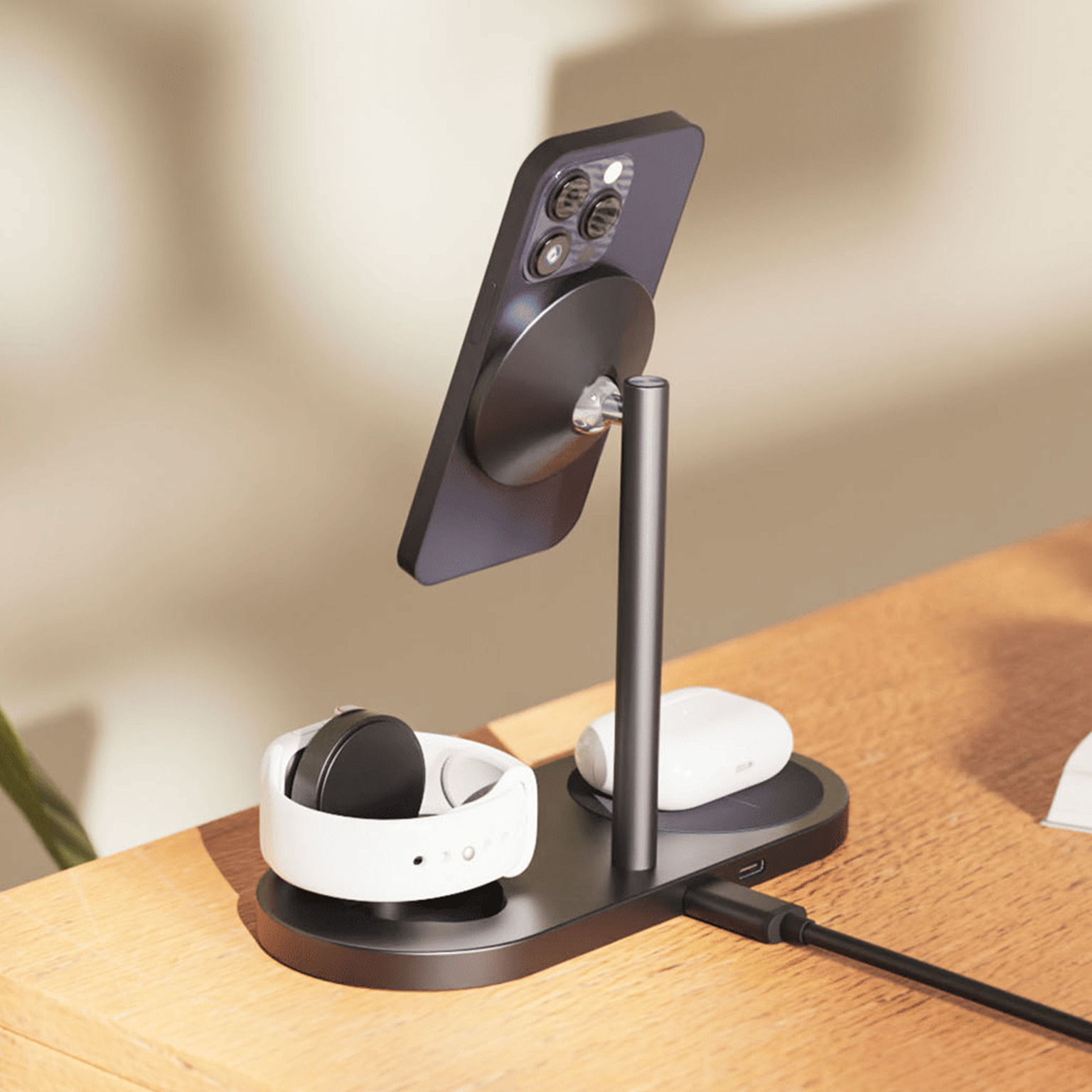
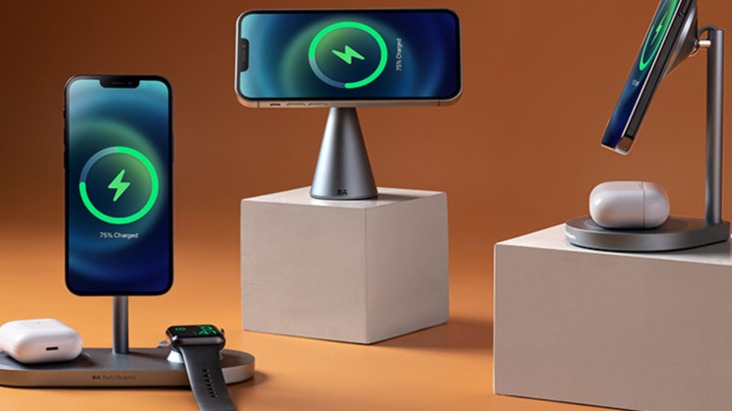
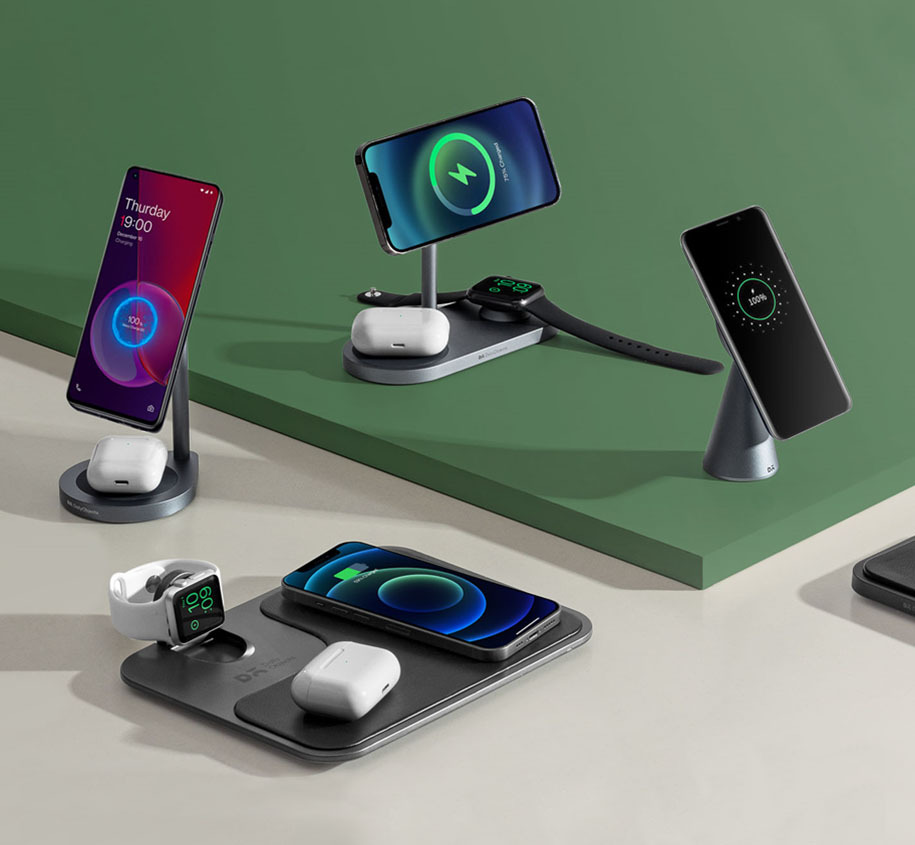
Instead of keeping it tethered to a wired cable on the floor, the stand charges it at Qi2.2 25W, the fastest wireless charging speed available—while keeping the screen visible for last-minute messages. My favourite part is being able to simply break it free from the dock and take it to another room without worrying about charging. The built-in 7800 mAh battery keeps charging going the moment it leaves the base.
Turns out, once you fix one room, you can’t stop looking at the next one.
When I am at work
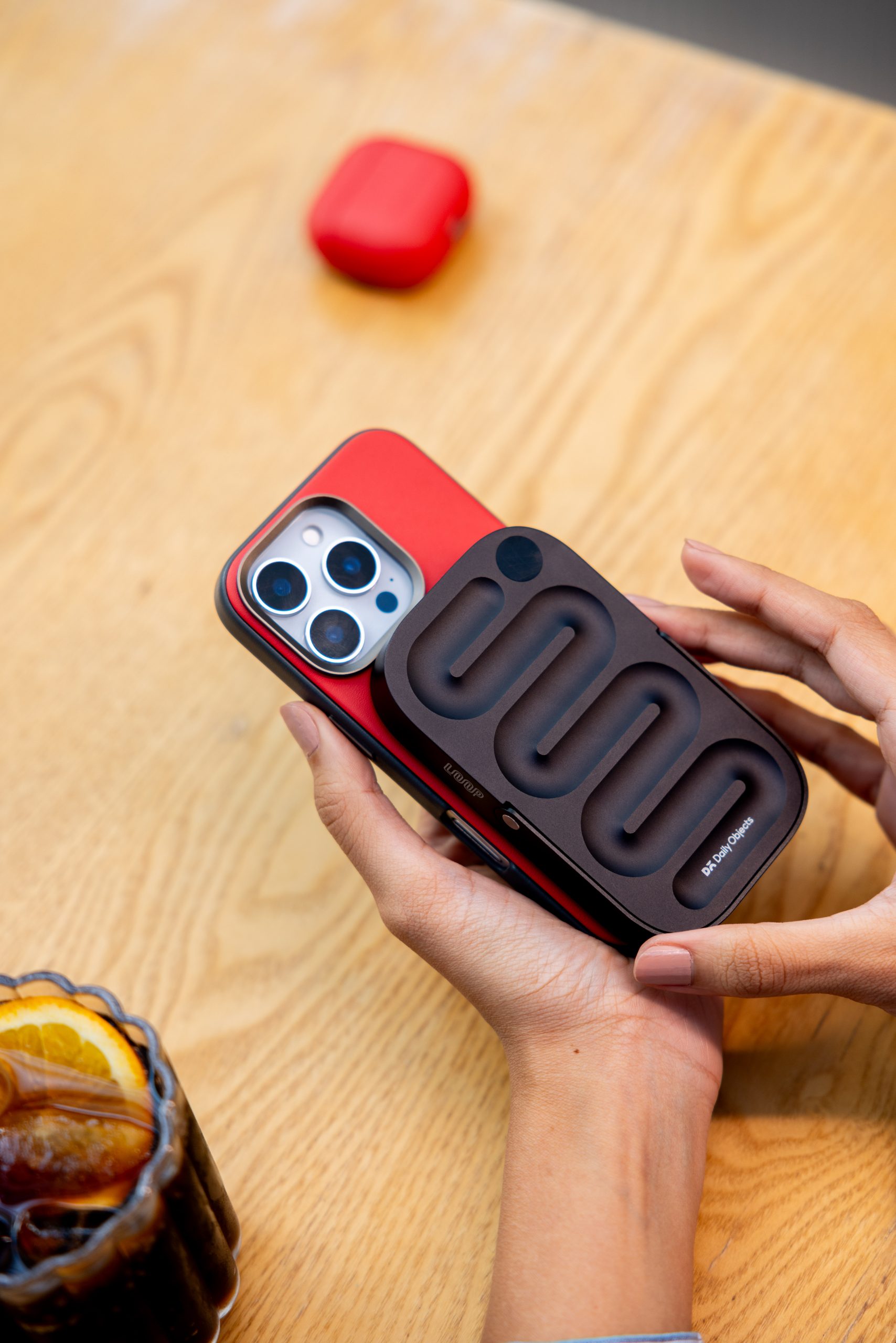
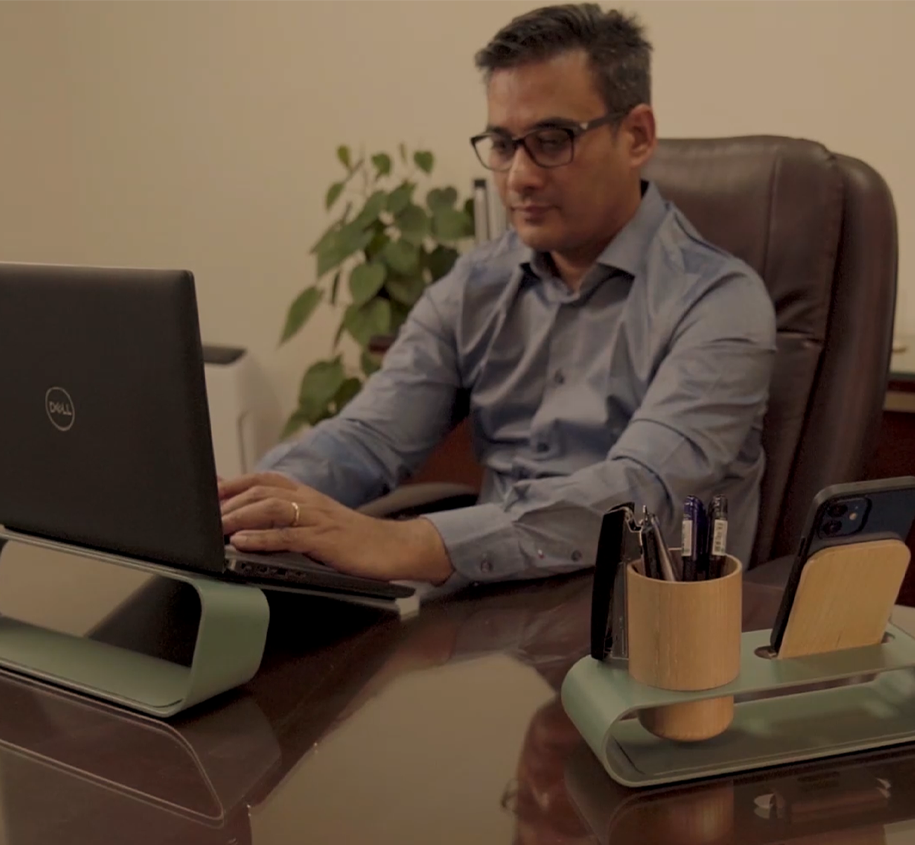
I prefer to lock in and get through work without interruption. And my AirPods or iPhone running out of battery was a speed bump I was used to but regularly annoyed by. So I started taking the Wireless Charging Disk to work.
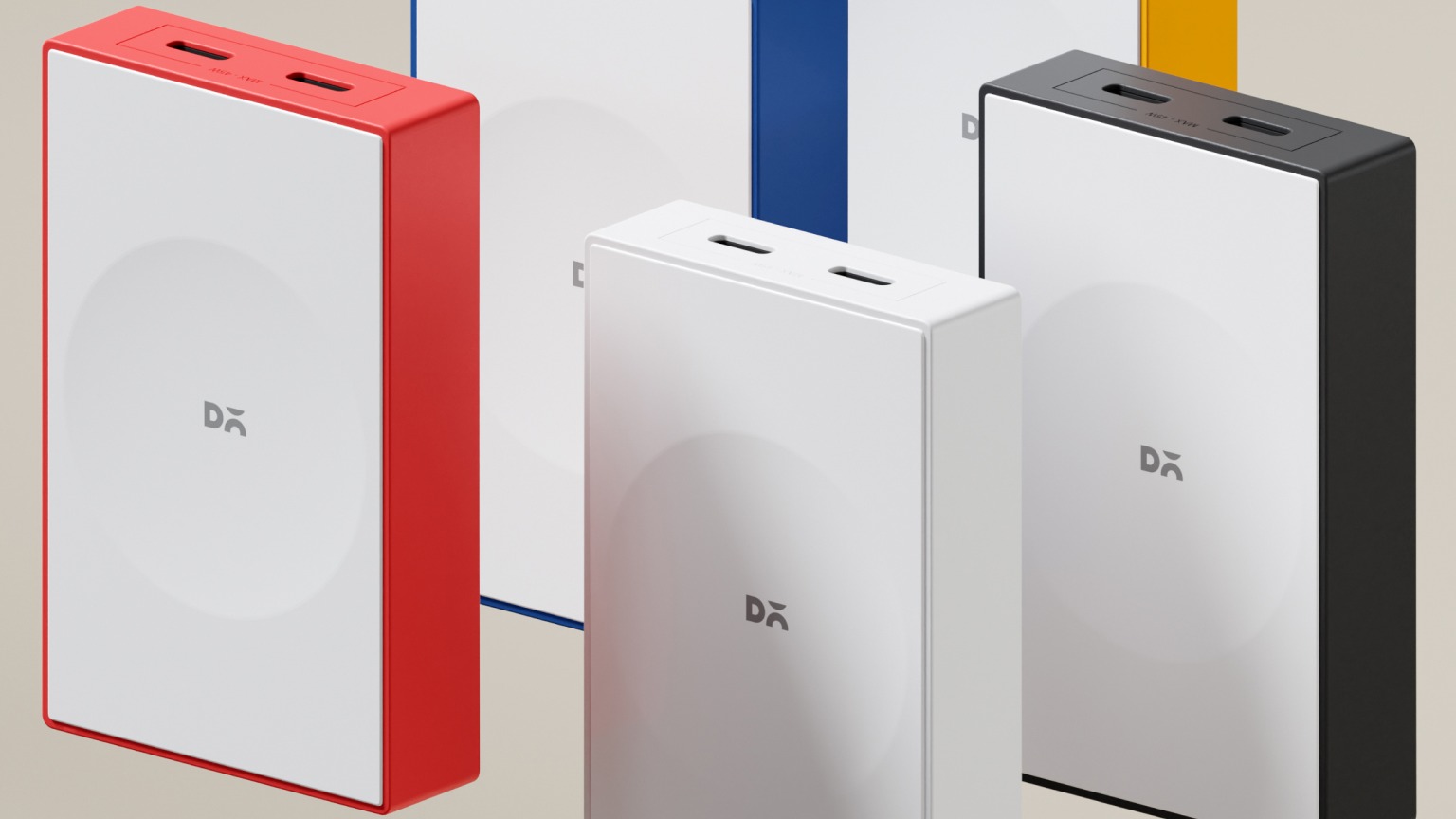
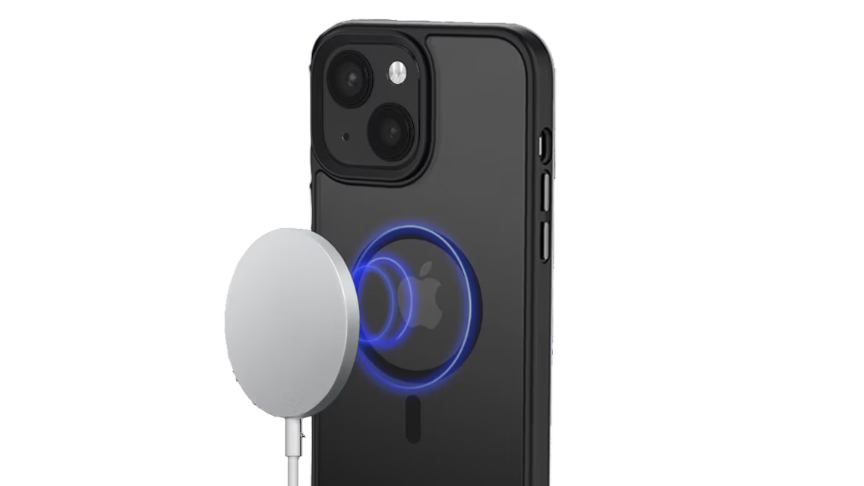
Much like the Phone Stand, the Disk delivers Qi2.2-certified 25W fast charging for my iPhone. And for the AirPods, Qi2.2’s intelligent power distribution means I can set them down without worrying about overcharging. It knows what each device needs.
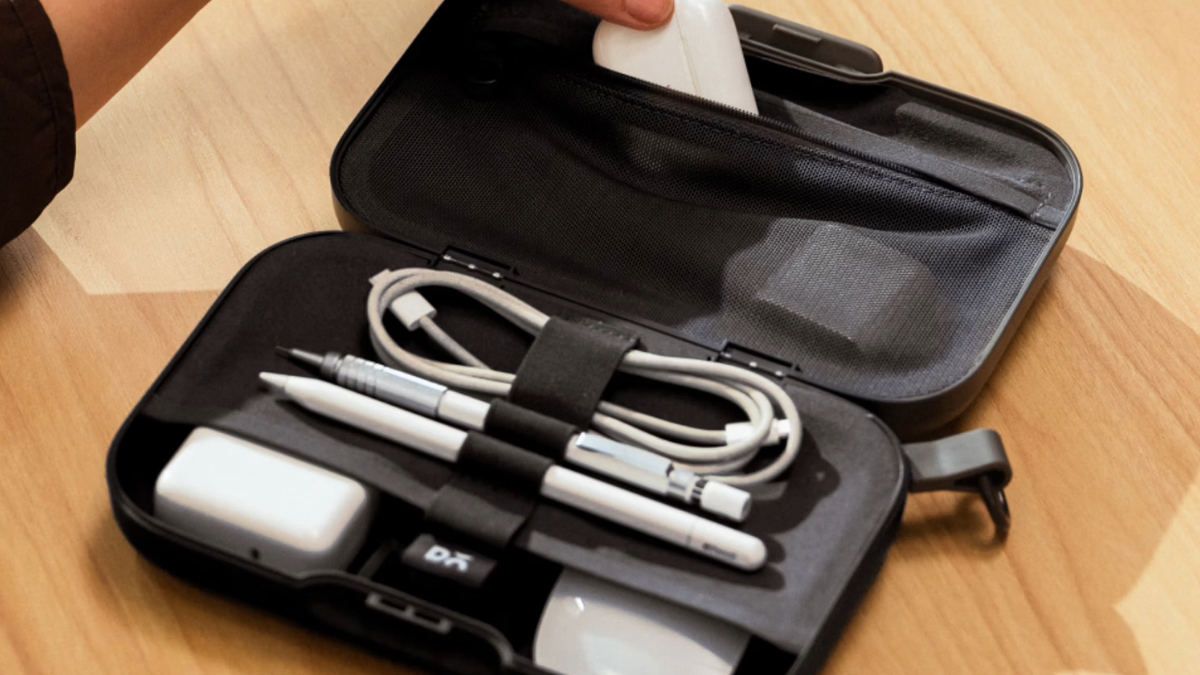
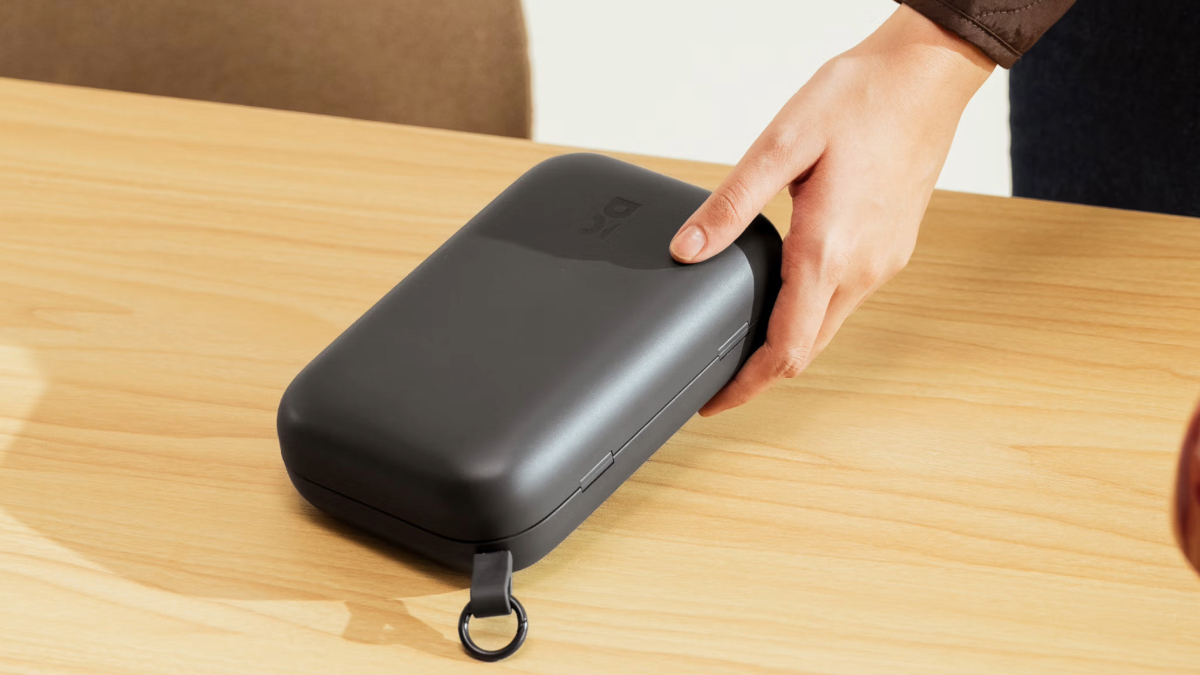
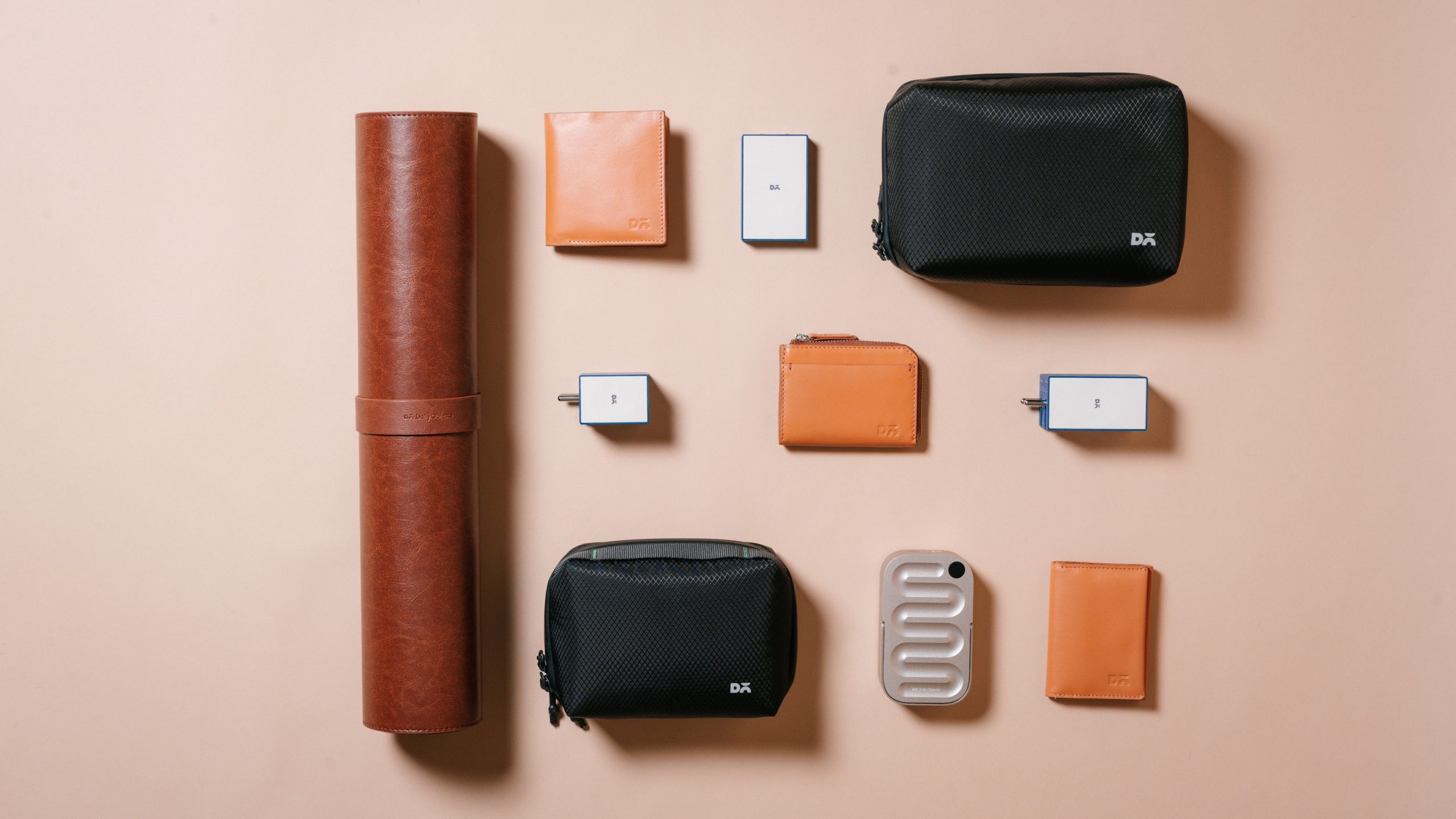
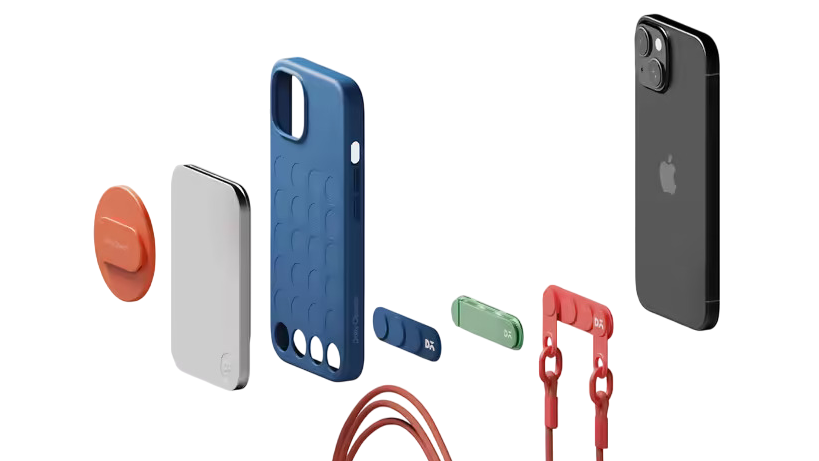
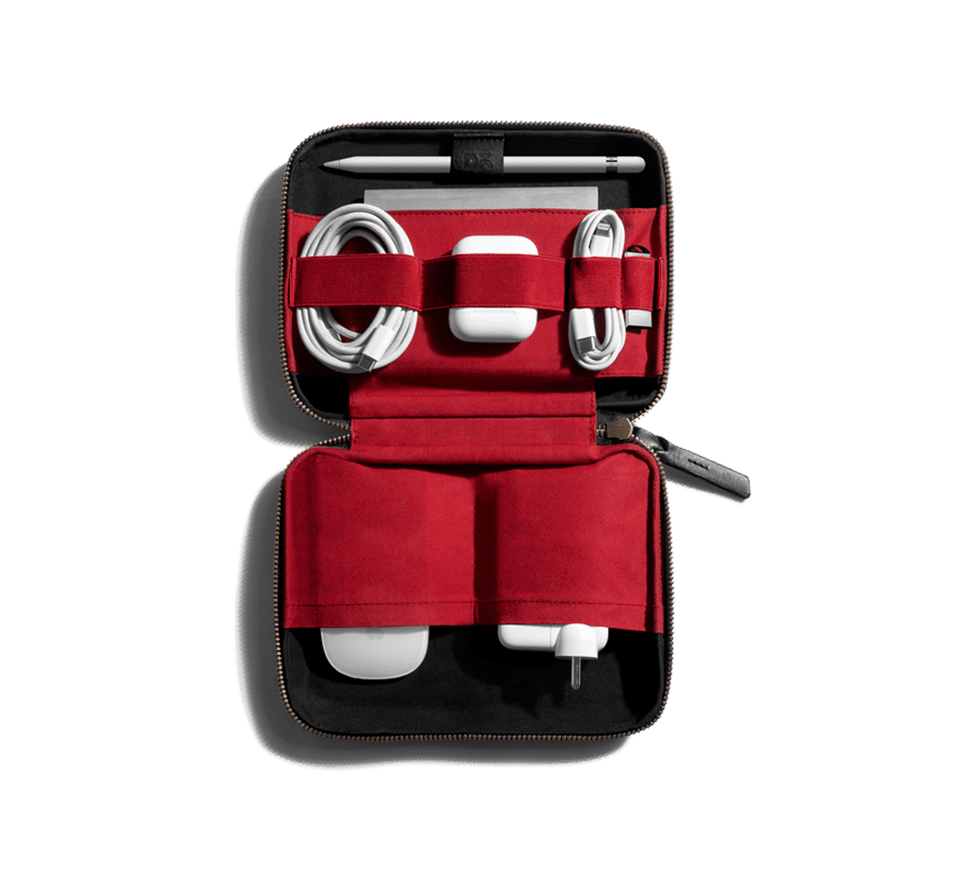
The Disk slips easily into my Vault Tech Kit so I am always set. Some Node Charging Docks at work mean I can simply dock in when needed, and for times when I want my devices closer to me, the Type-C input handles it independently. So when I call it a day, I am not struggling with low battery. While I can’t say the same about myself, the devices are definitely sorted.
When I am unwinding

With work out of the way, I try to not just plop myself in front of my laptop and binge on Netflix. And I am also someone who does not like to keep my Apple Watch on me at all times (shoutout to my digitally analogue Casio Watch).
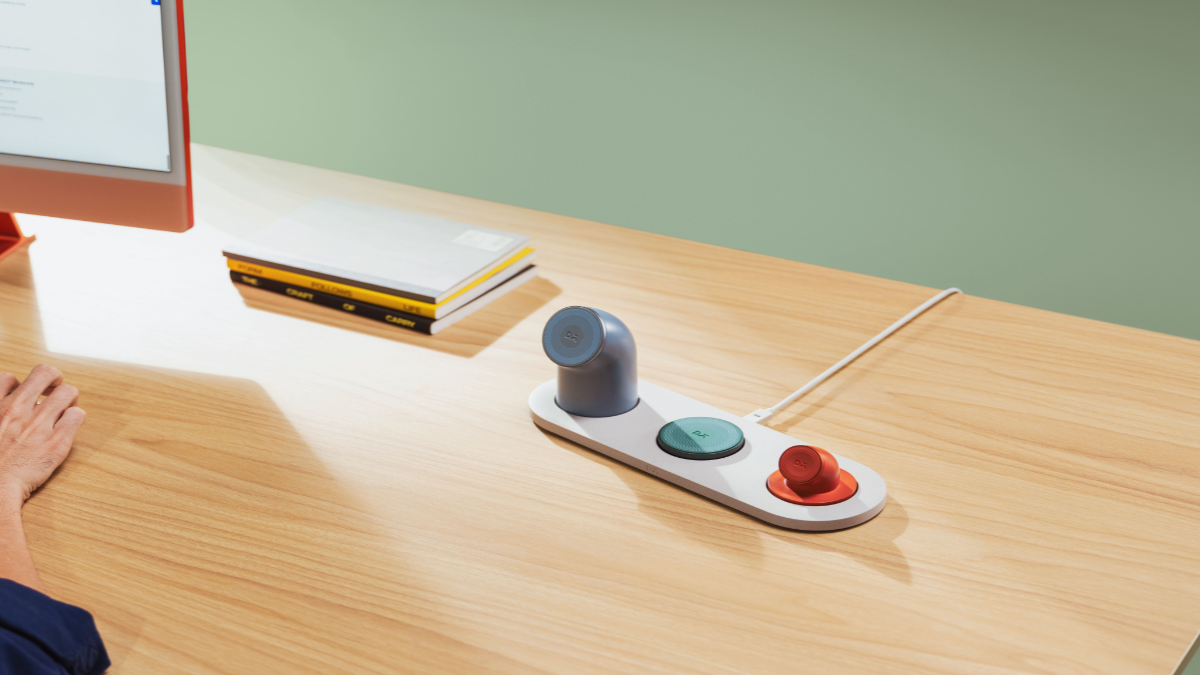
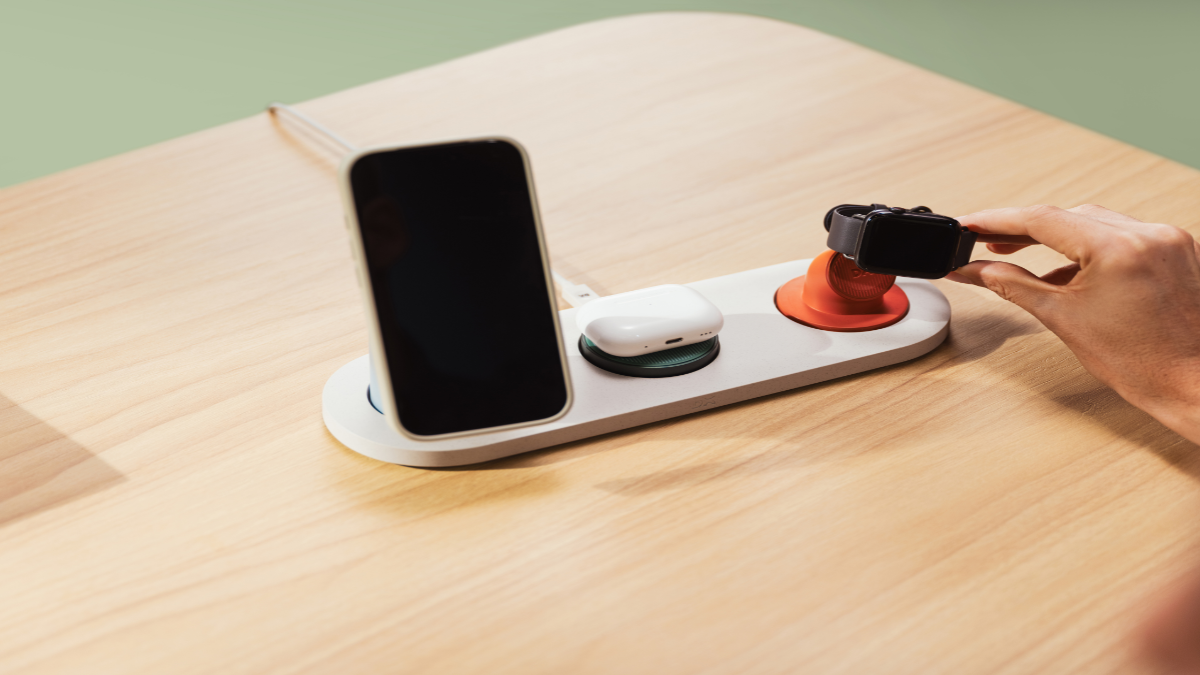
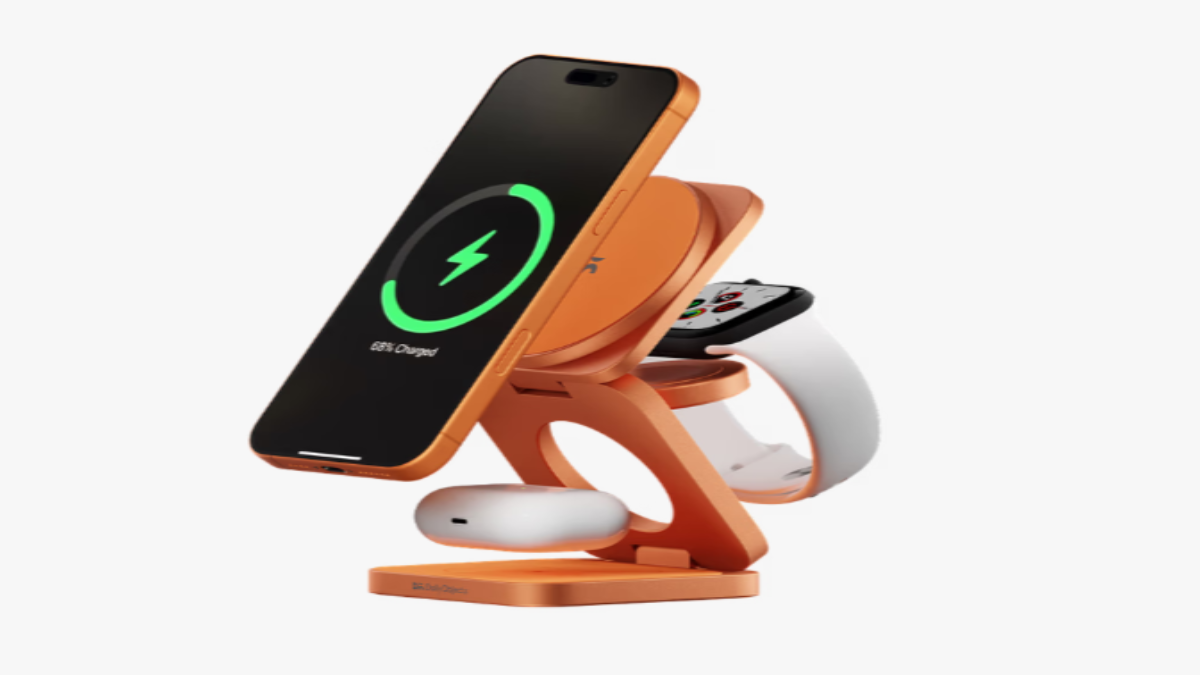
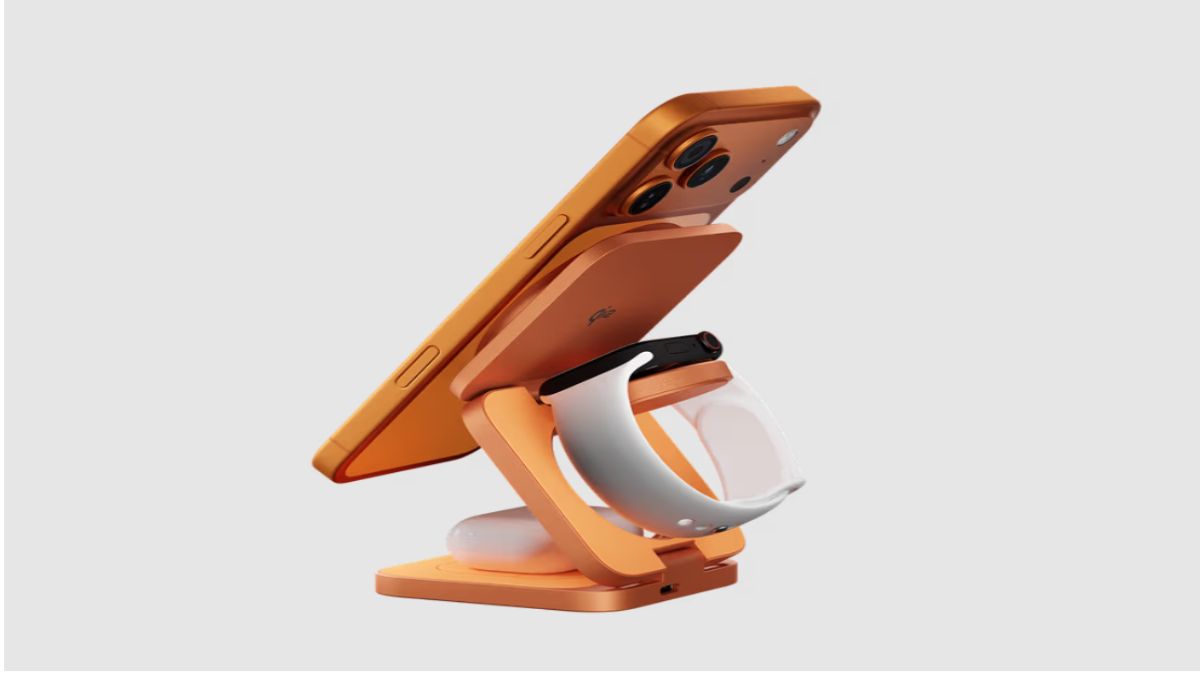
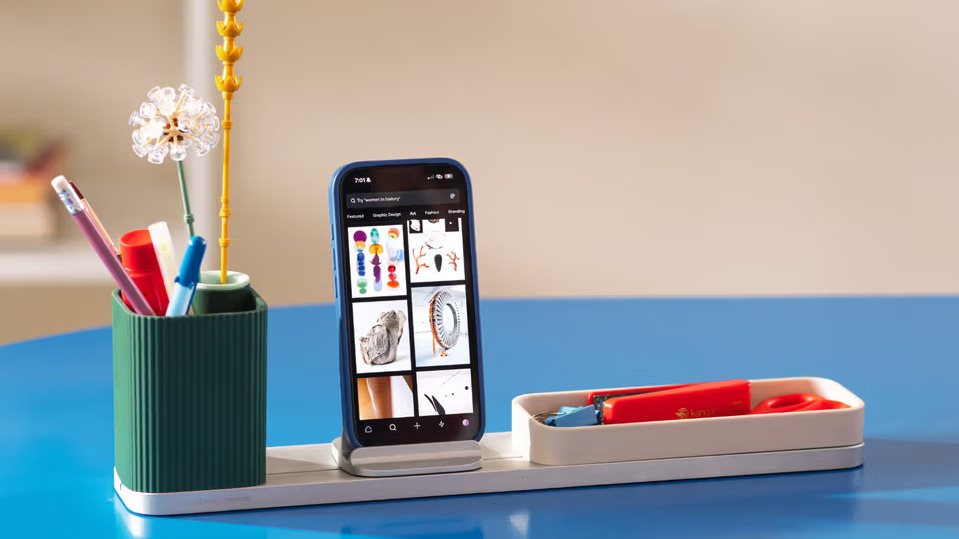
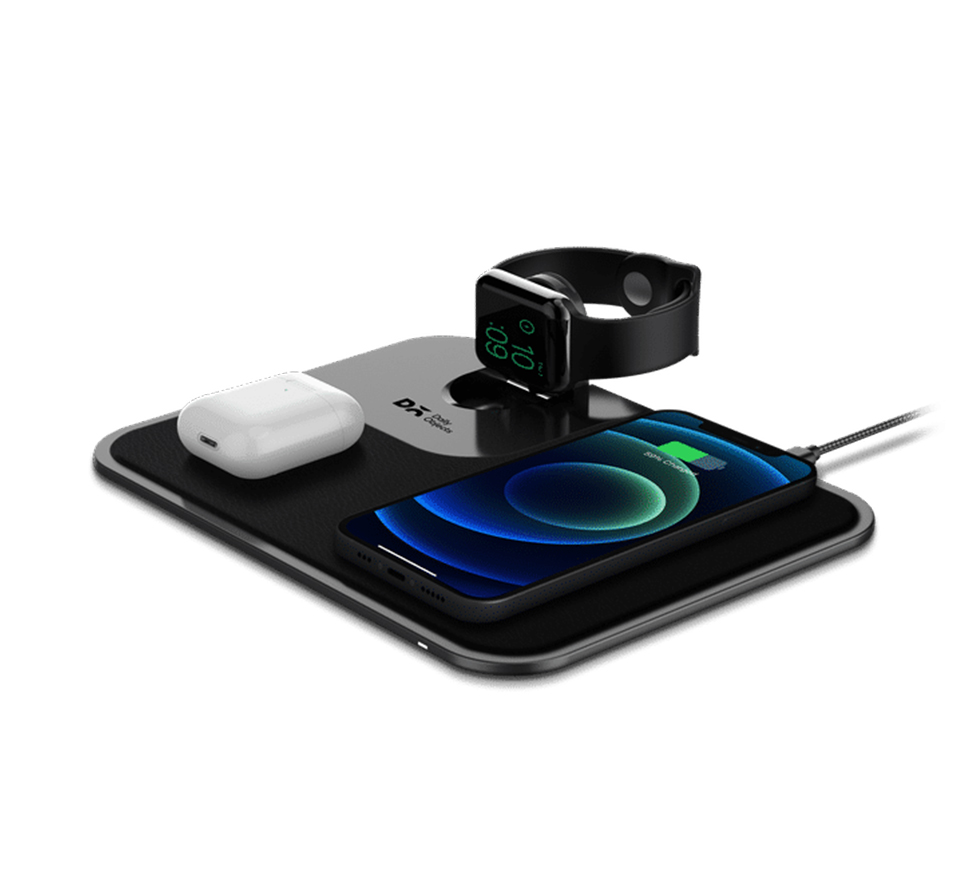
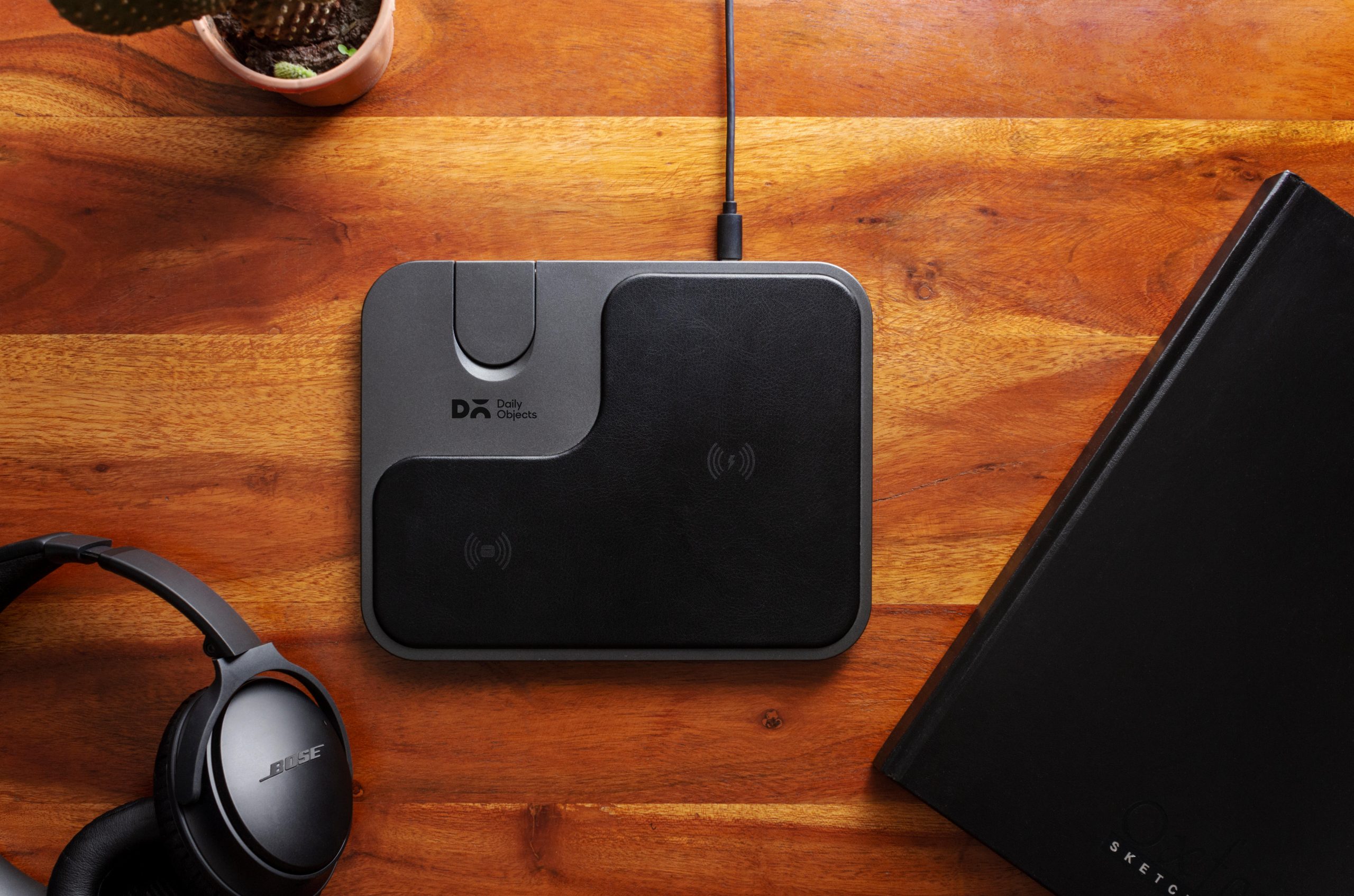
My living room has a 3-in-1 Charging Dock set up with the Apple Watch Charging Stand, Wireless Charging Disk, and the Portable Lamp. I don’t reach for all of it every evening, but honestly, the design earns its place in the room. It’s the kind of thing guests notice — and because everything is wireless, there’s no explaining which cable goes where when someone needs a charge.
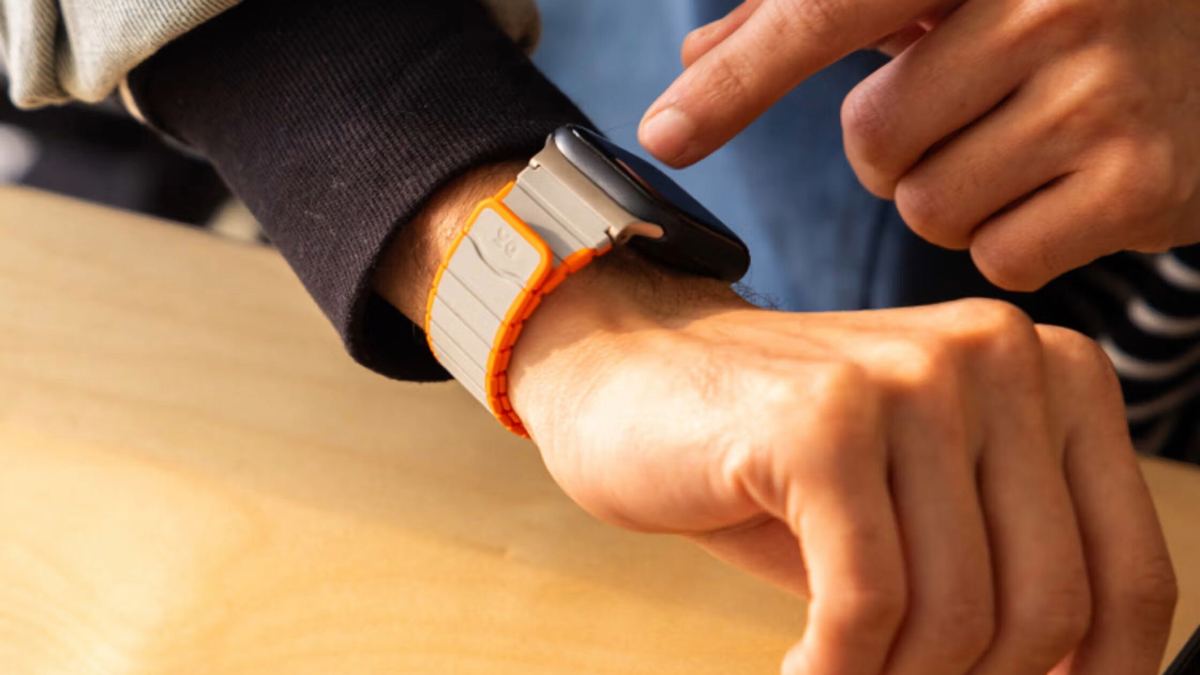
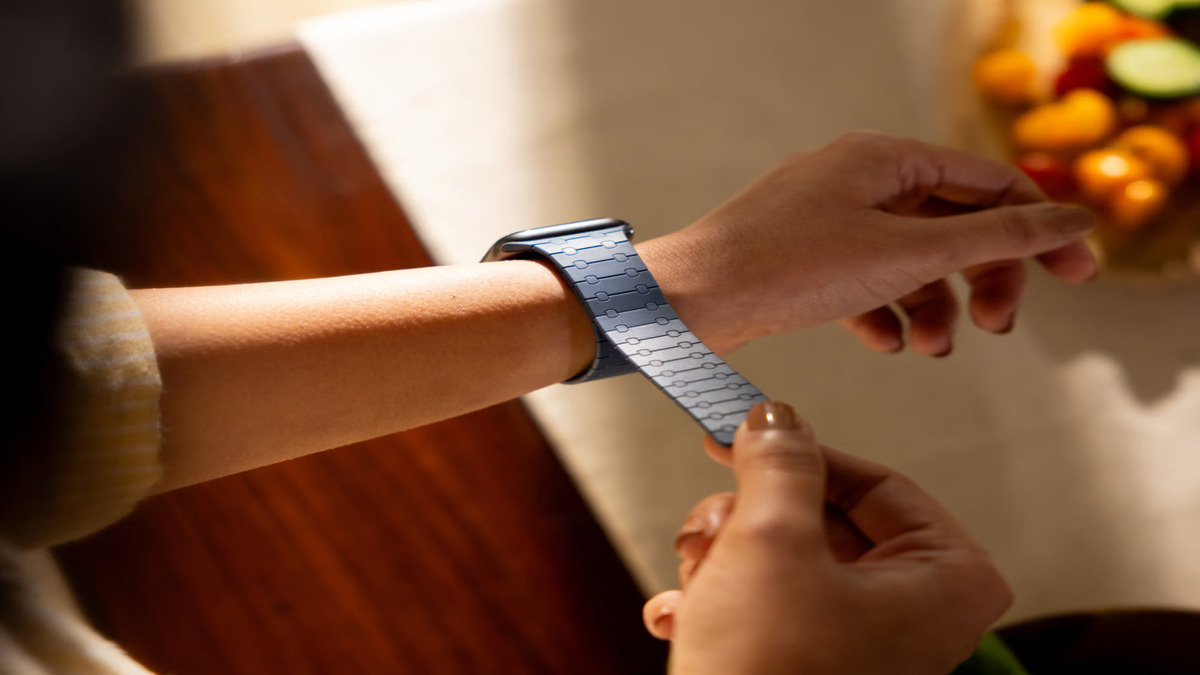
The Apple Watch lives here rather than in the bedroom for a simple reason: I don’t wear it around the house, but I need it ready when I head out for exercise. I switch it on the stand after my morning run, and by the time I am ready to leave, it’s fully charged. I switch the dock off during the day and back on in the evening when needed.
What I’ve started doing, and this is the part I didn’t expect to enjoy, is rearranging the modules based on how the day looks. When people come over, I swap the Apple Watch Stand for the Phone Stand so conversations can go on alongside charging. When it’s a quiet evening, the lamp comes back to the bedroom with me. The dock doesn’t dictate the setup. I do.
A wrap!
This is how Node has fit into my life over the past couple of months — and I’m genuinely surprised by how much it streamlined not just how I charge, but how my routine feels. My setup will look nothing like yours, and that’s exactly the point. Node breaks free and arranges itself around your life, not the other way around.













































































0